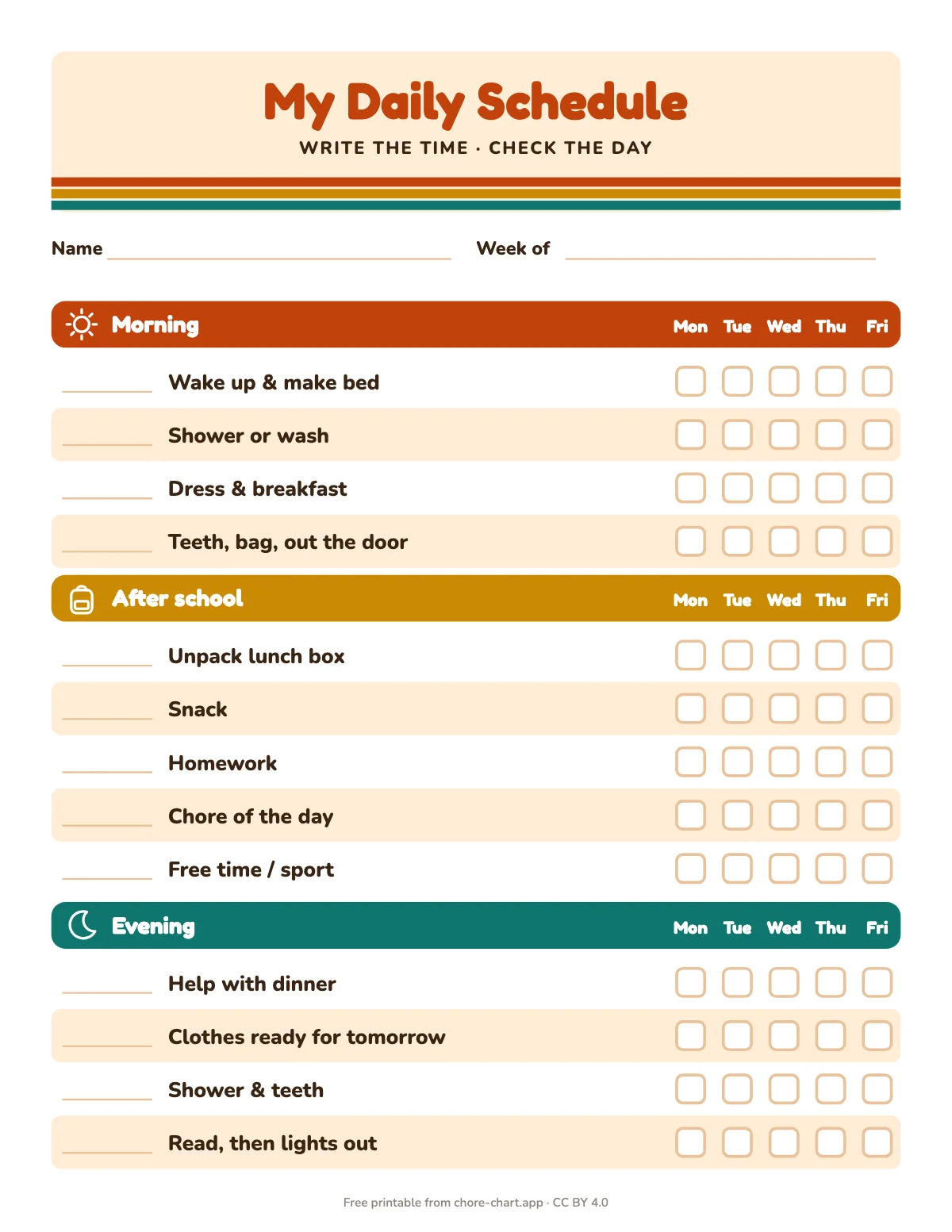
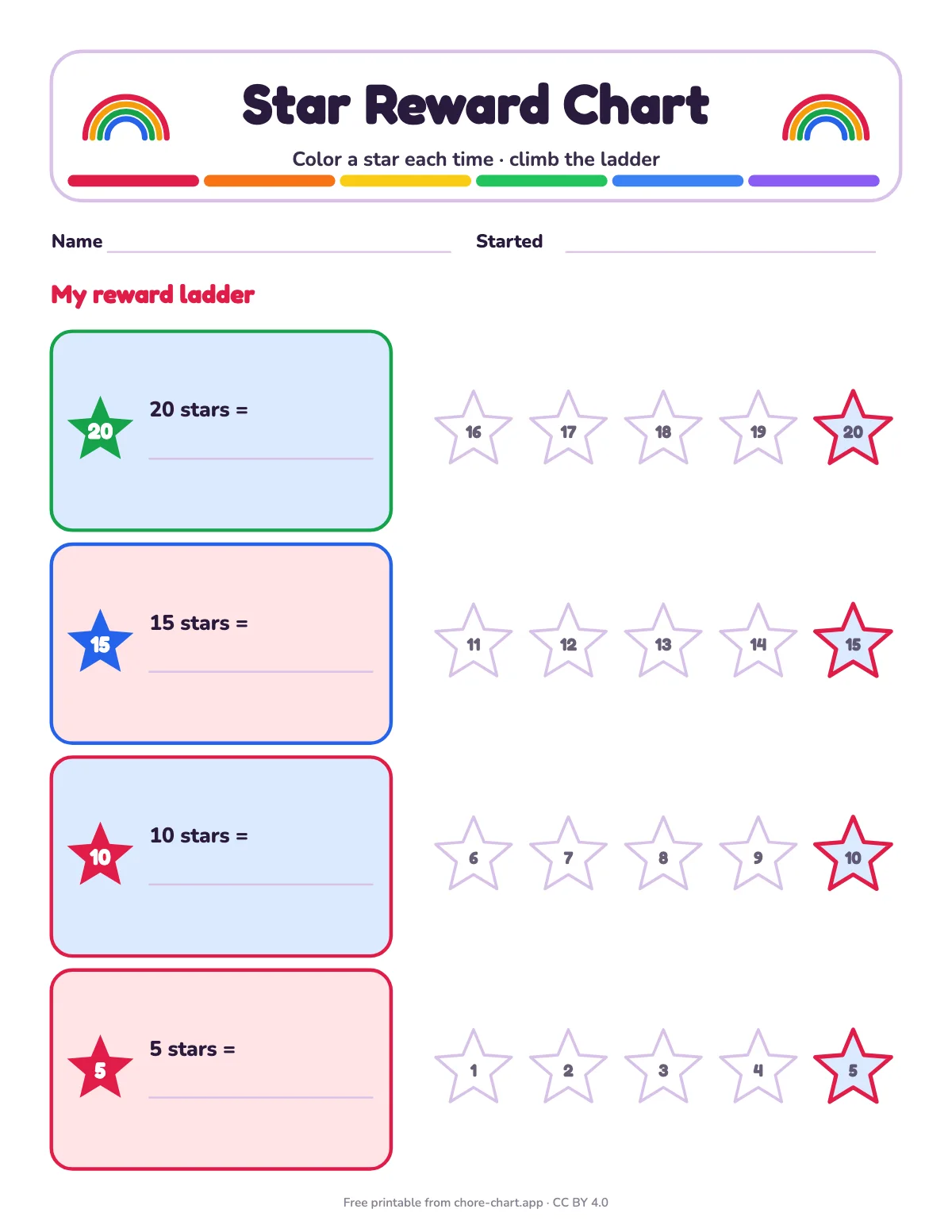
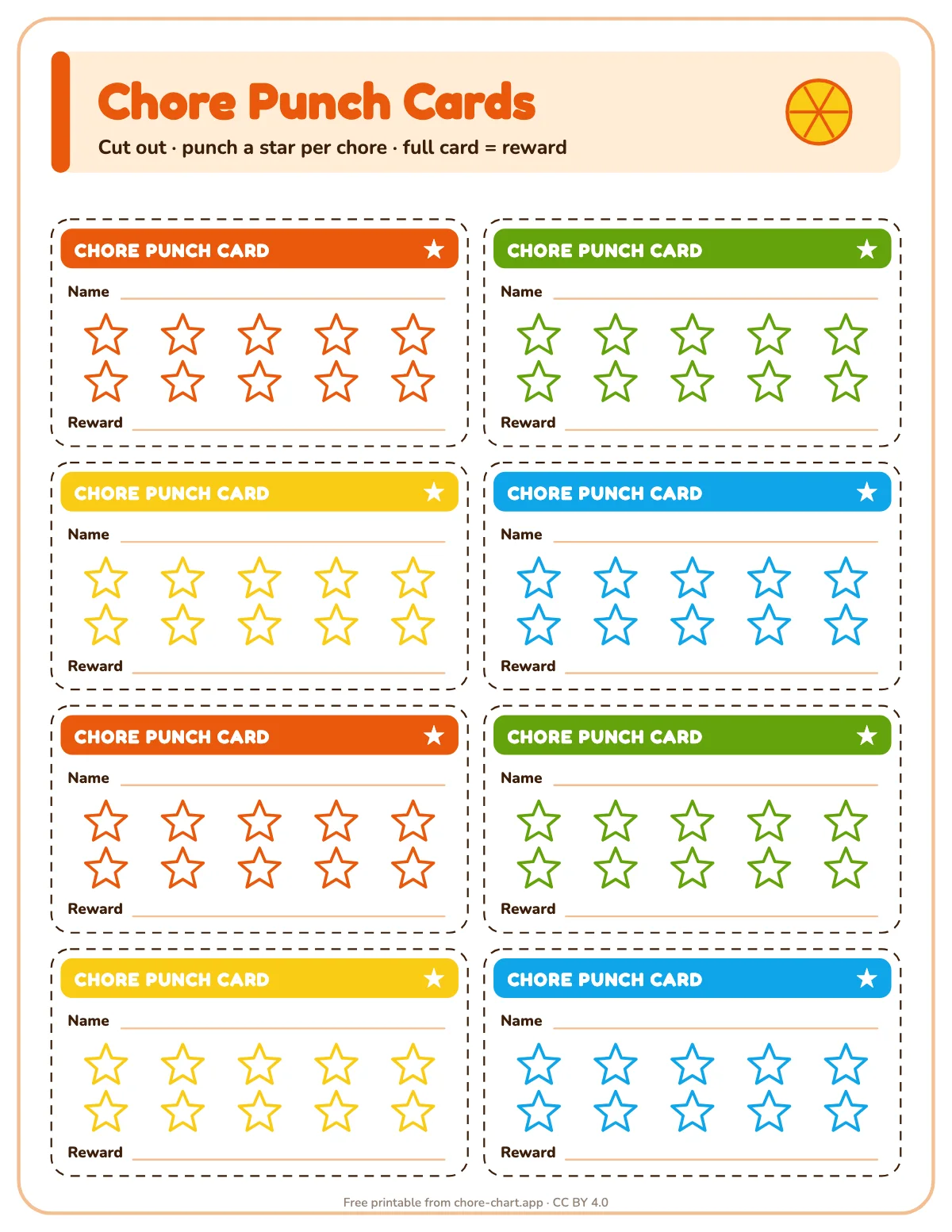
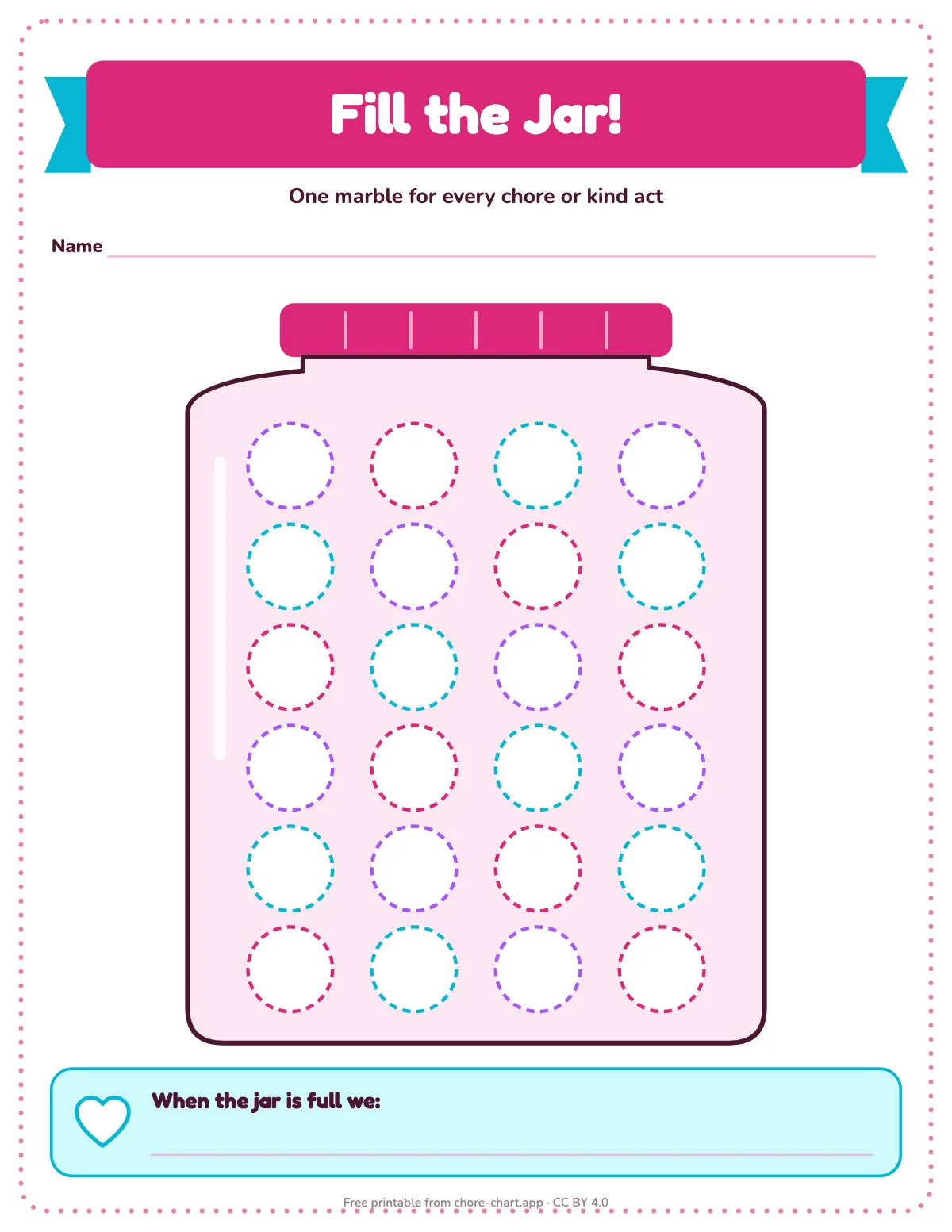
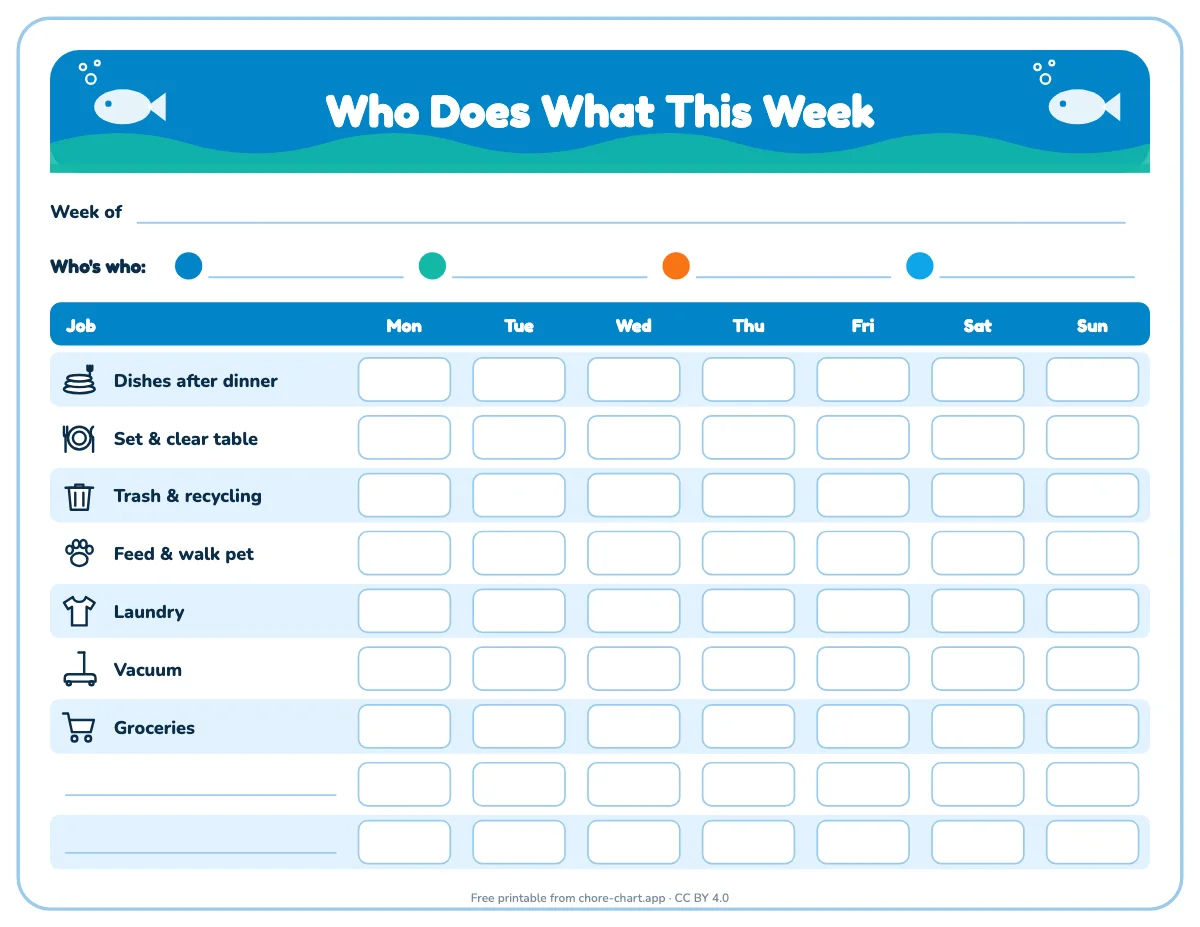
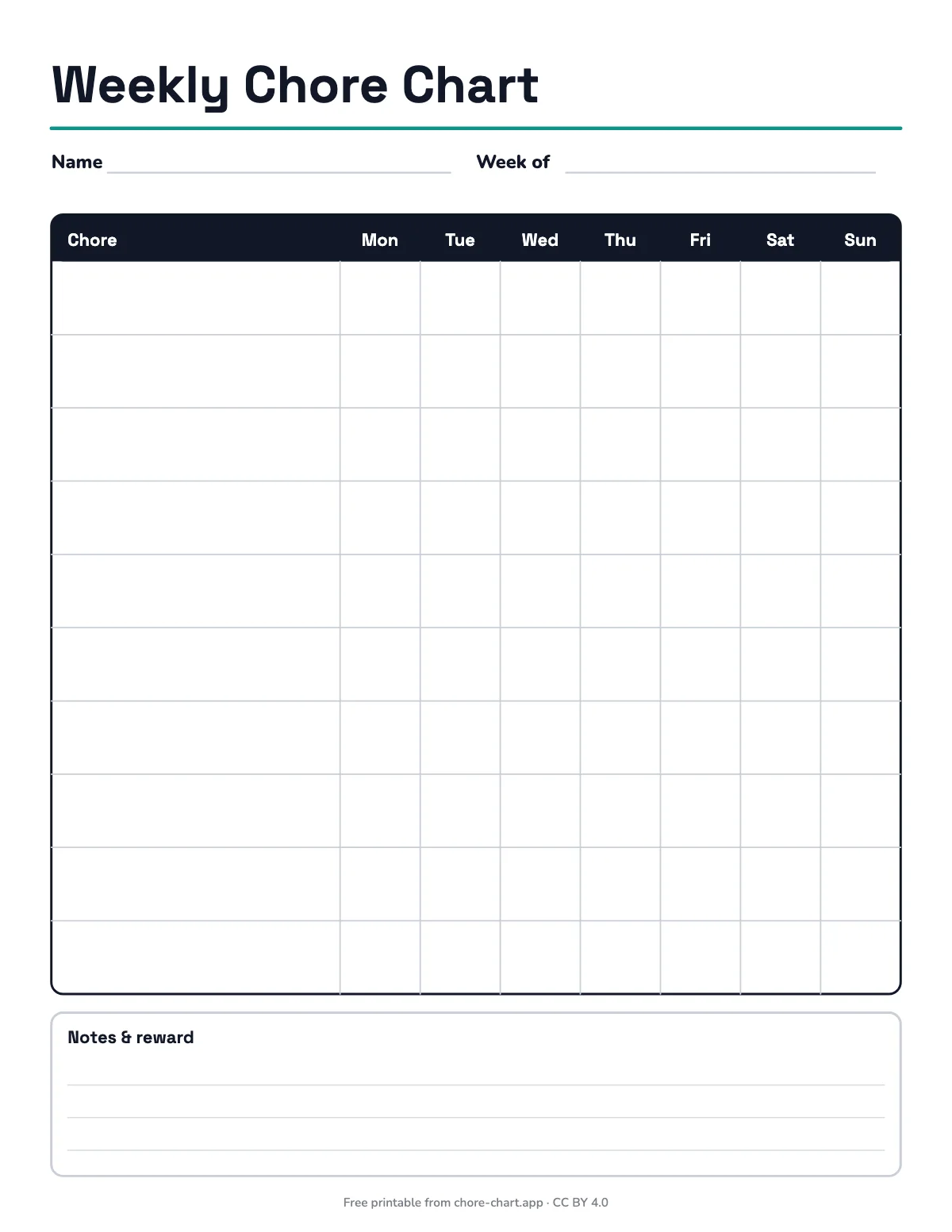
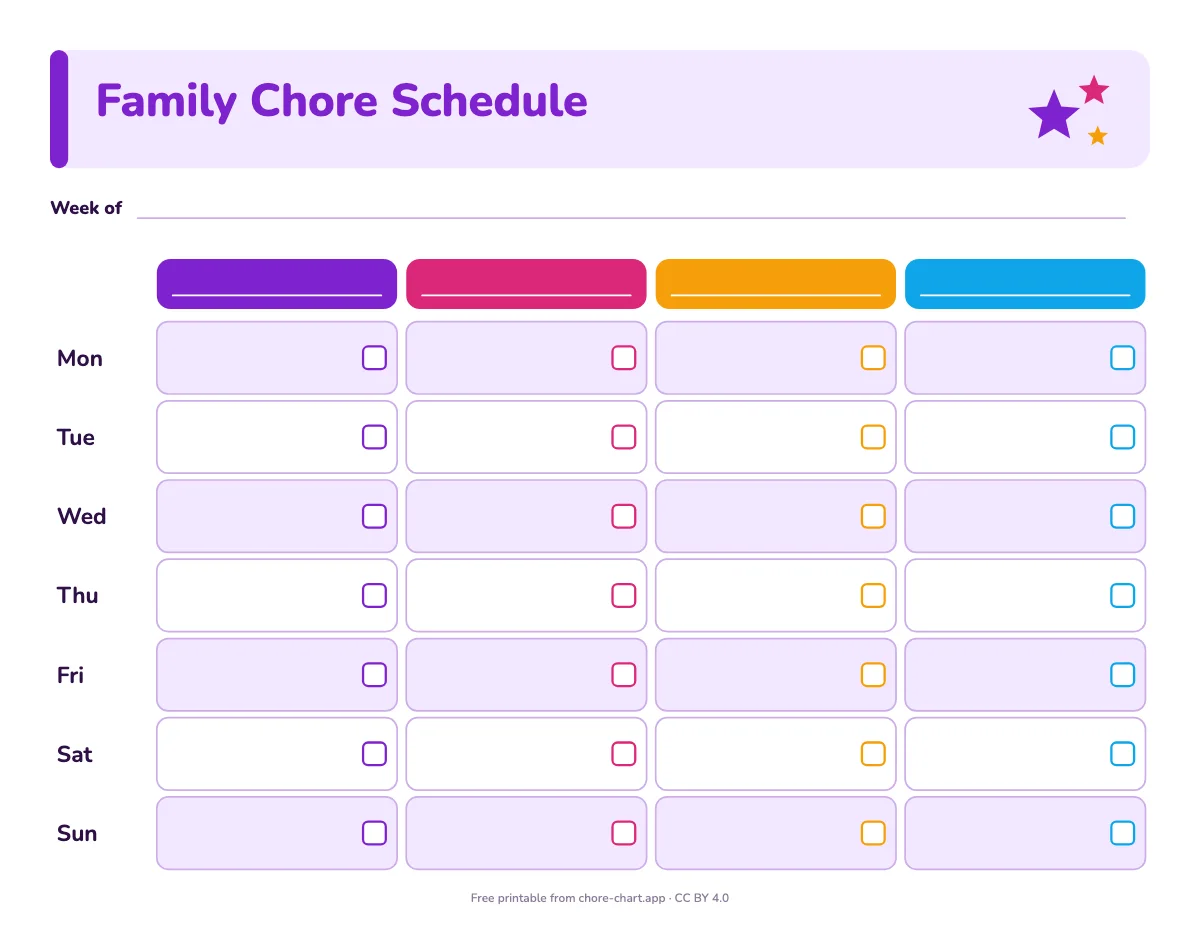
Which chart fits your child
Age changes the format more than the chores. Use this as a starting point, then follow your child: a confident reader of six can use an older design.
| Age | What works | Start with |
|---|---|---|
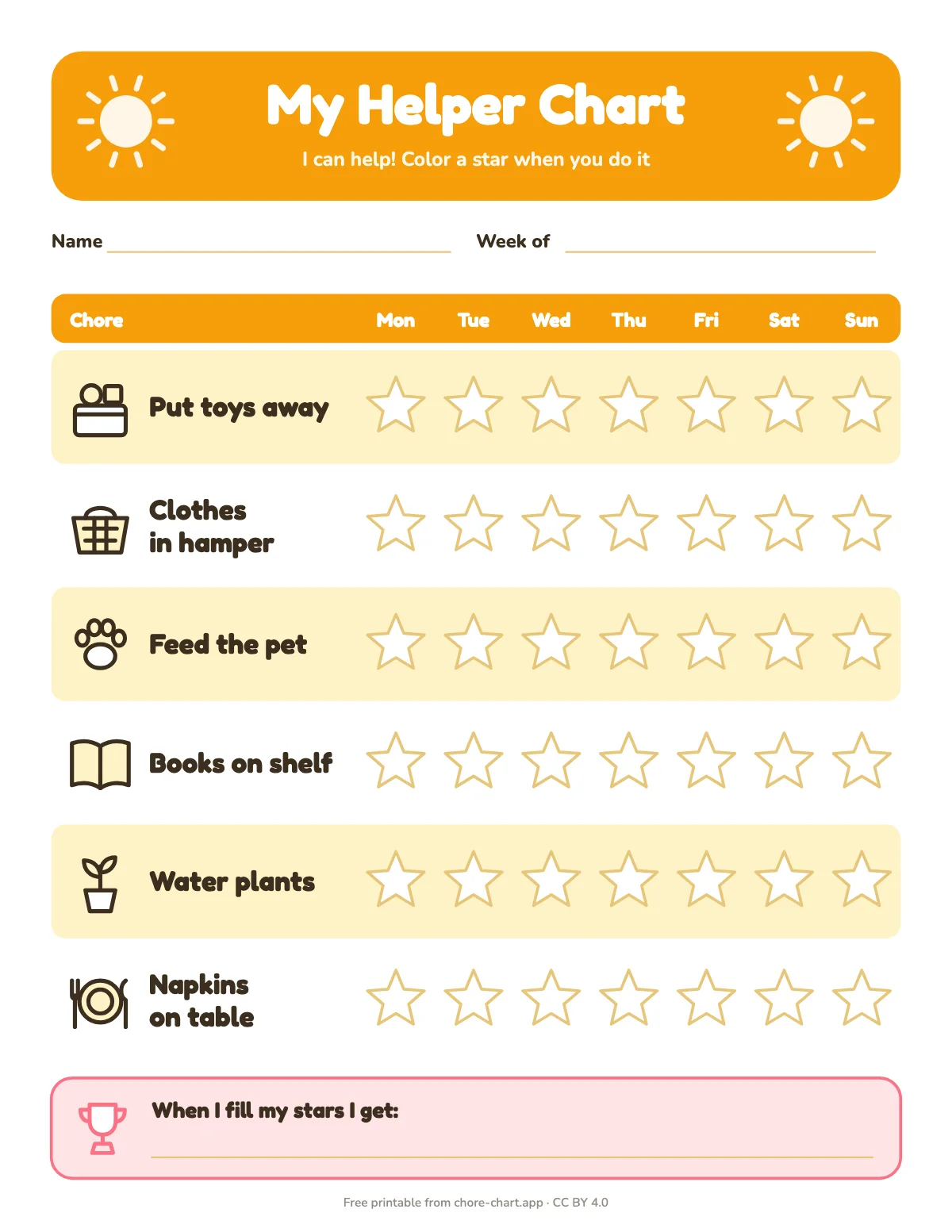
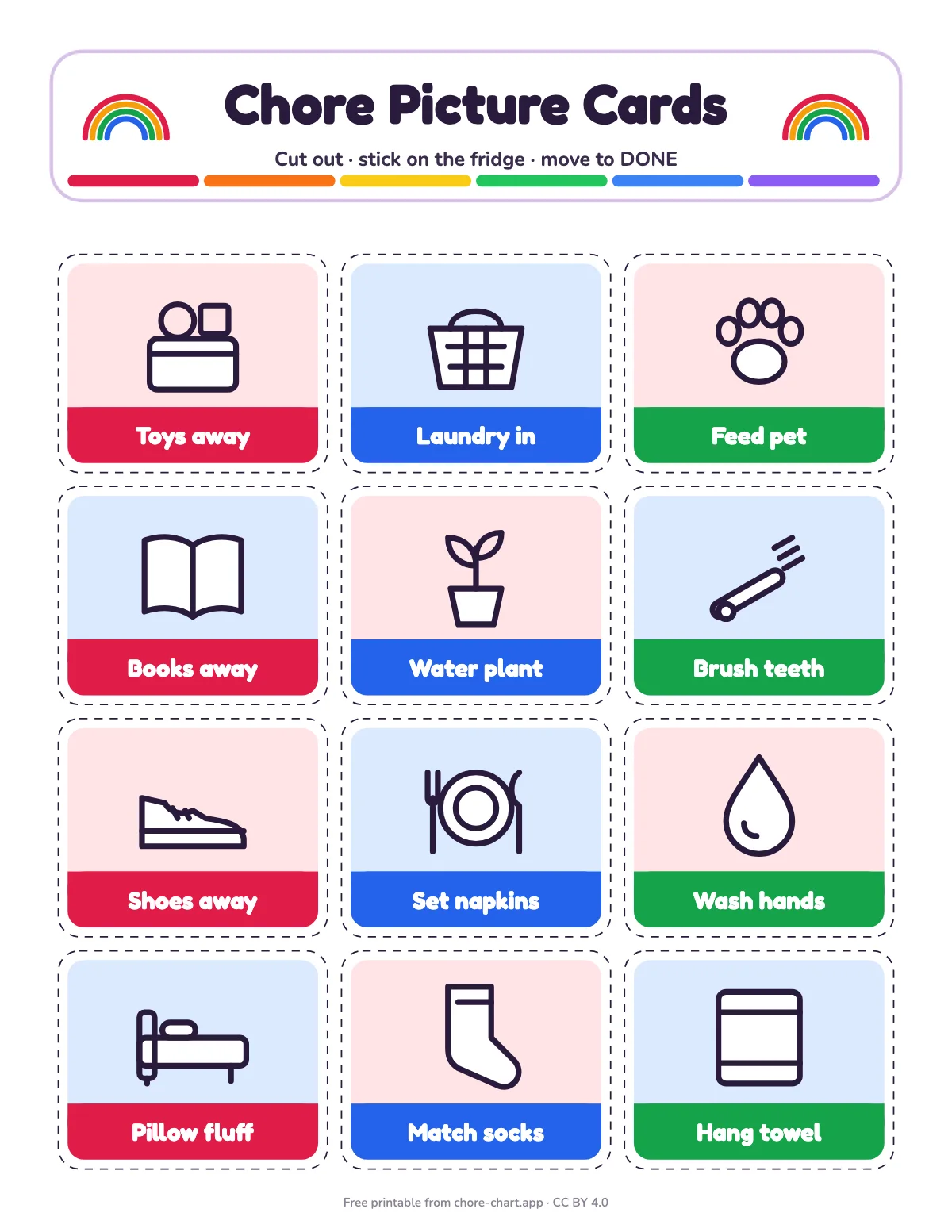
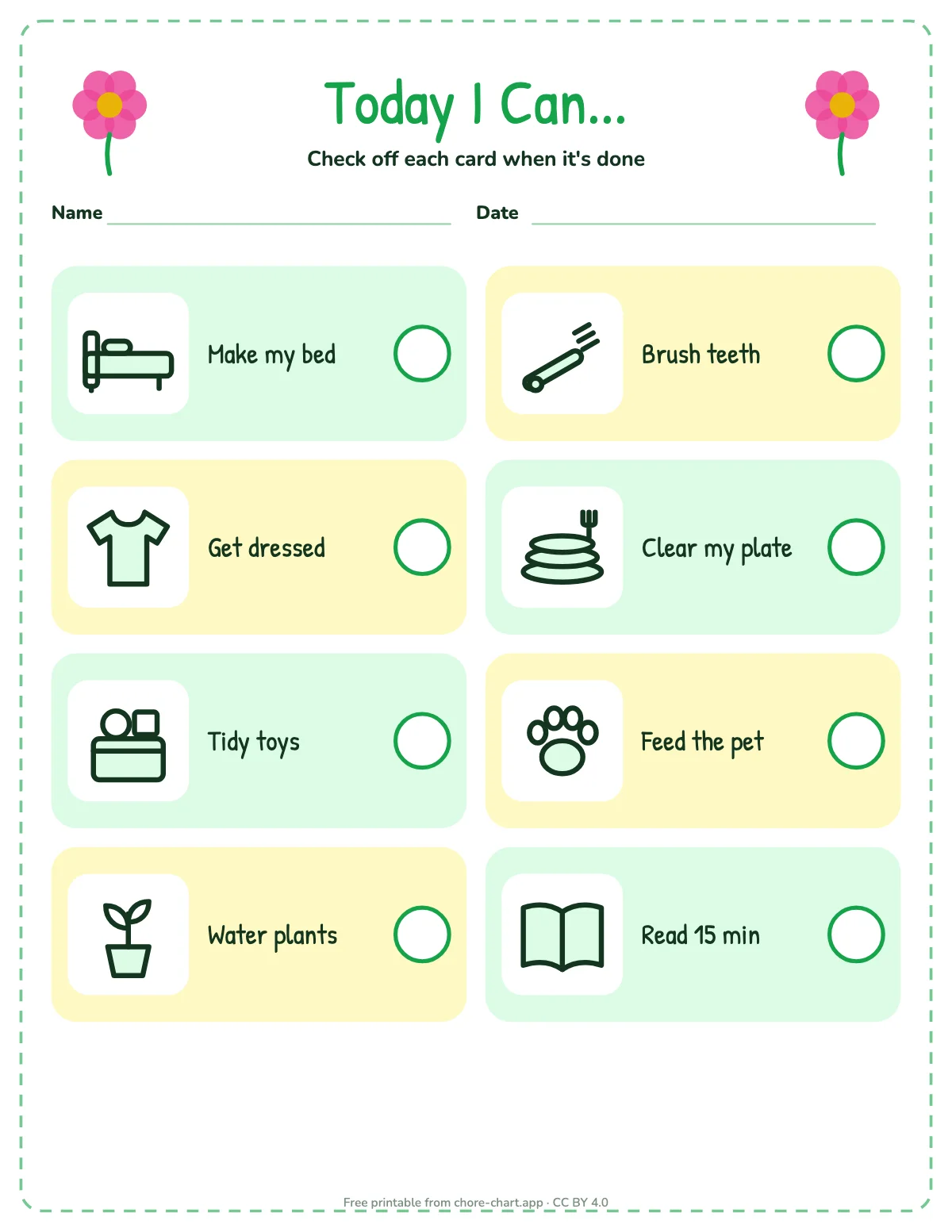
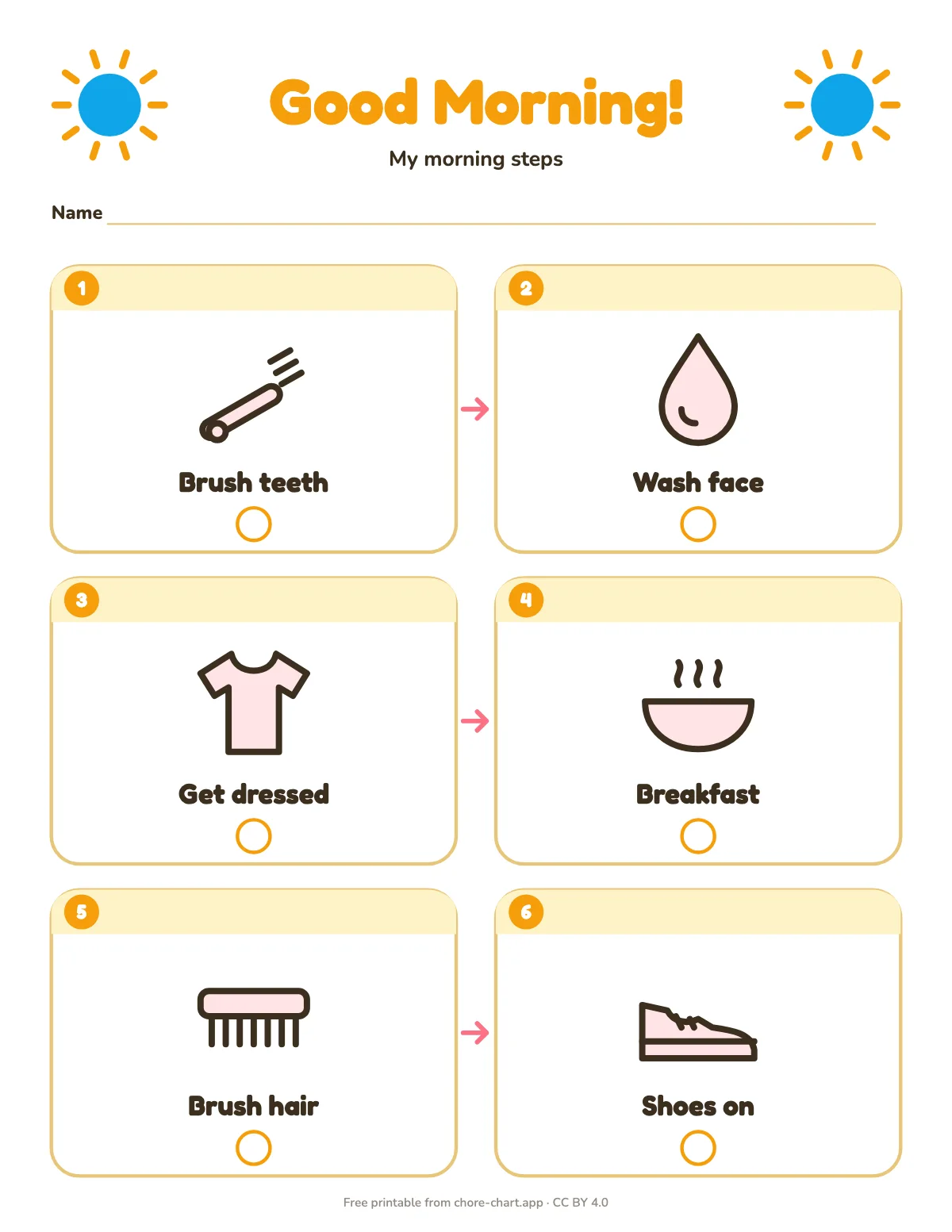
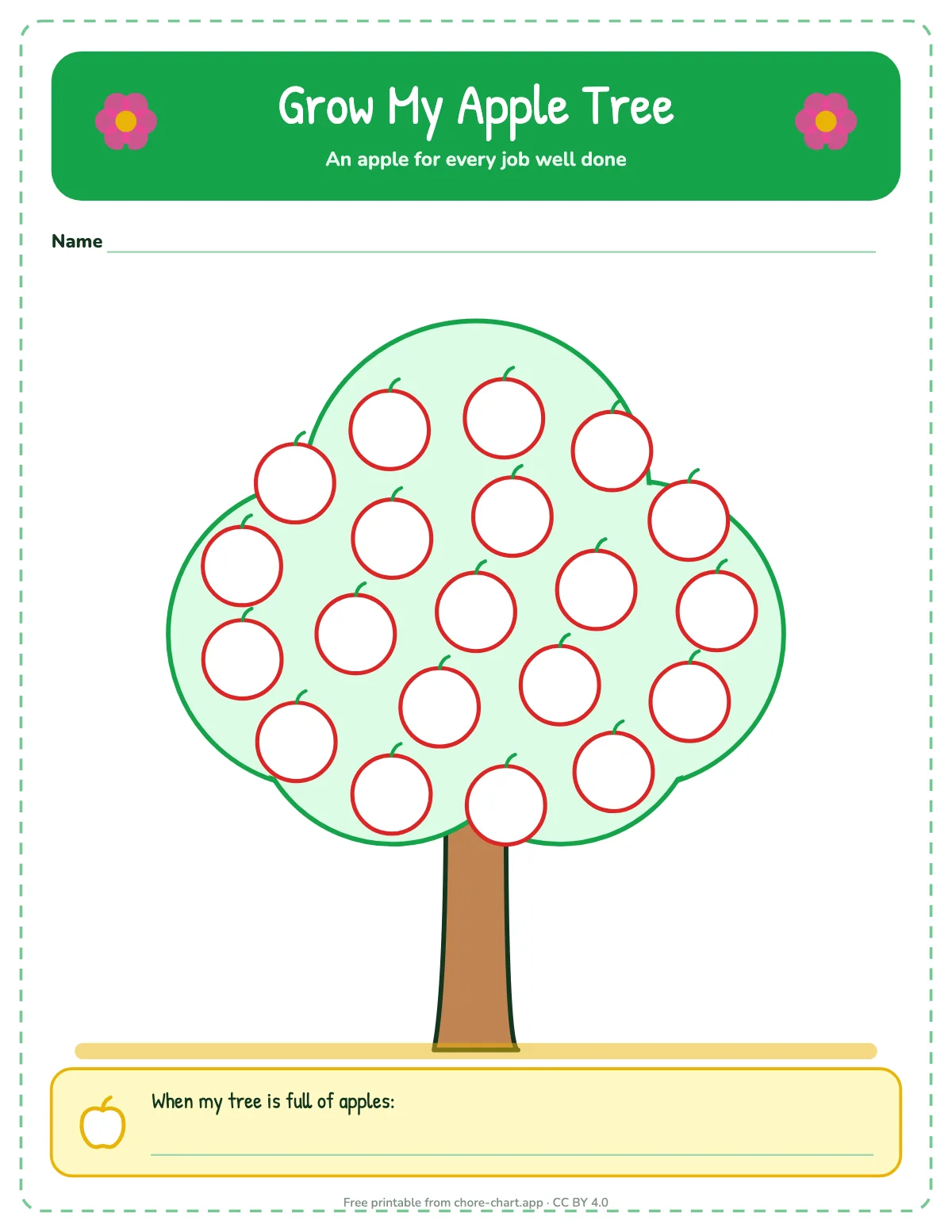
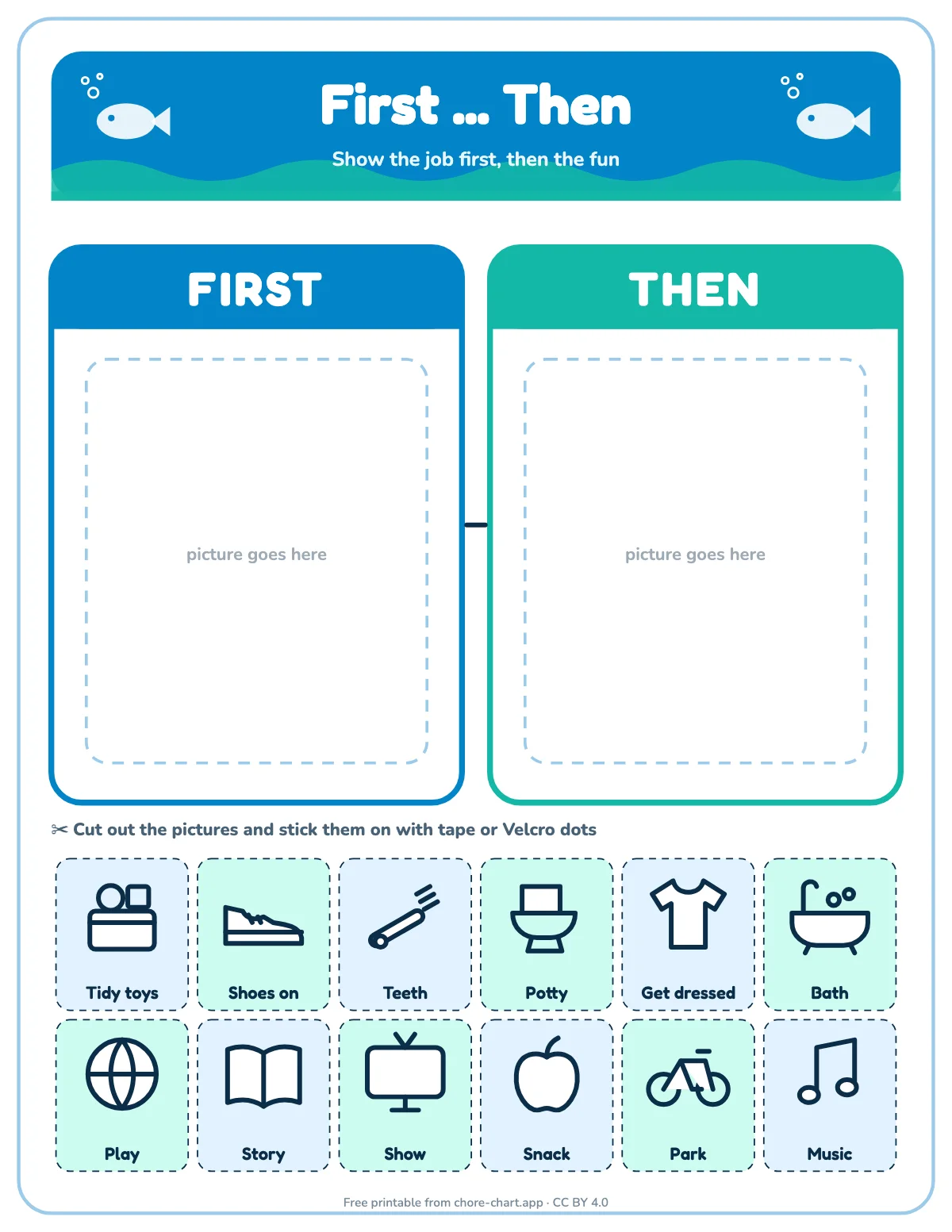
| 2–4 | Pictures instead of words, 3–6 jobs they already do with you, a reward within a few days | picture chore chart, first-then board |
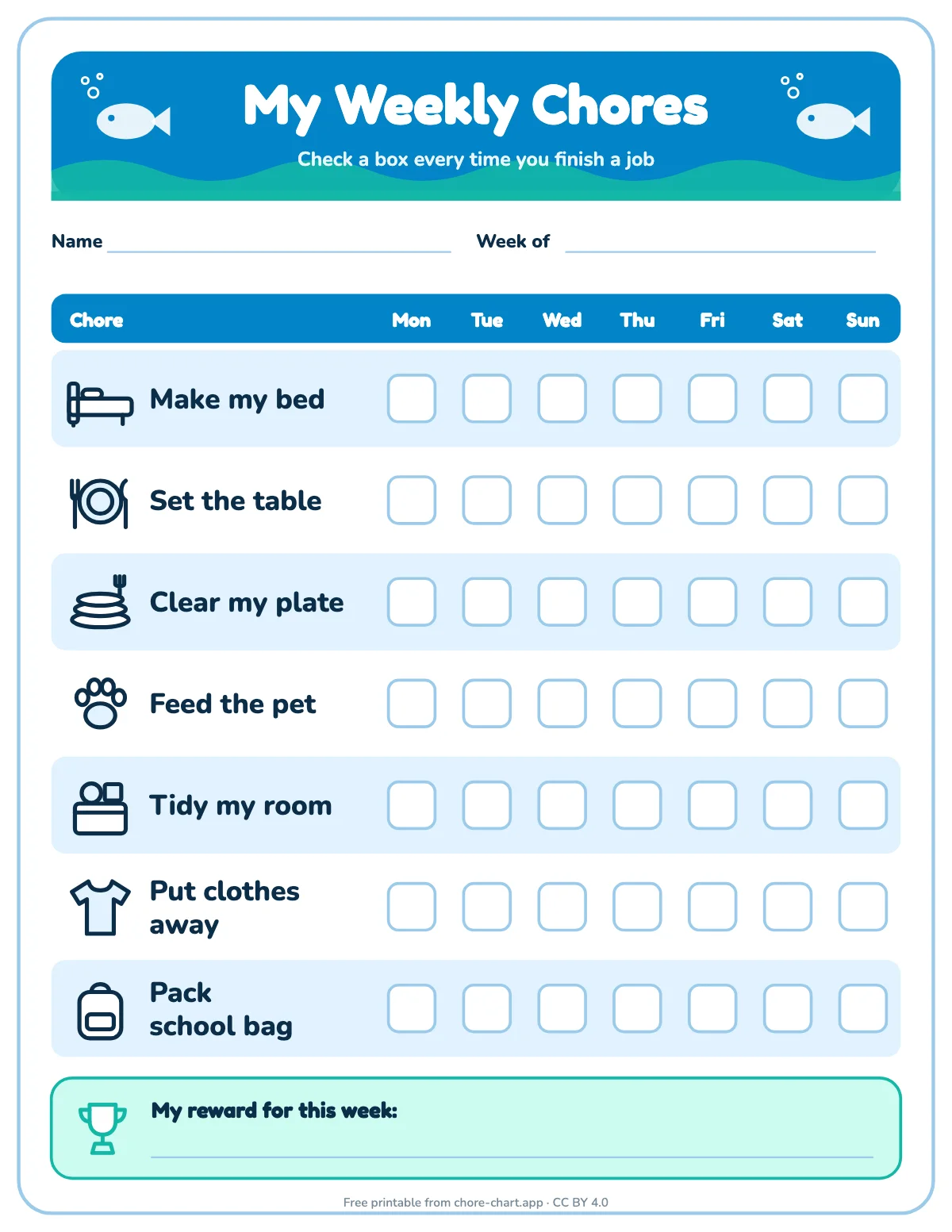
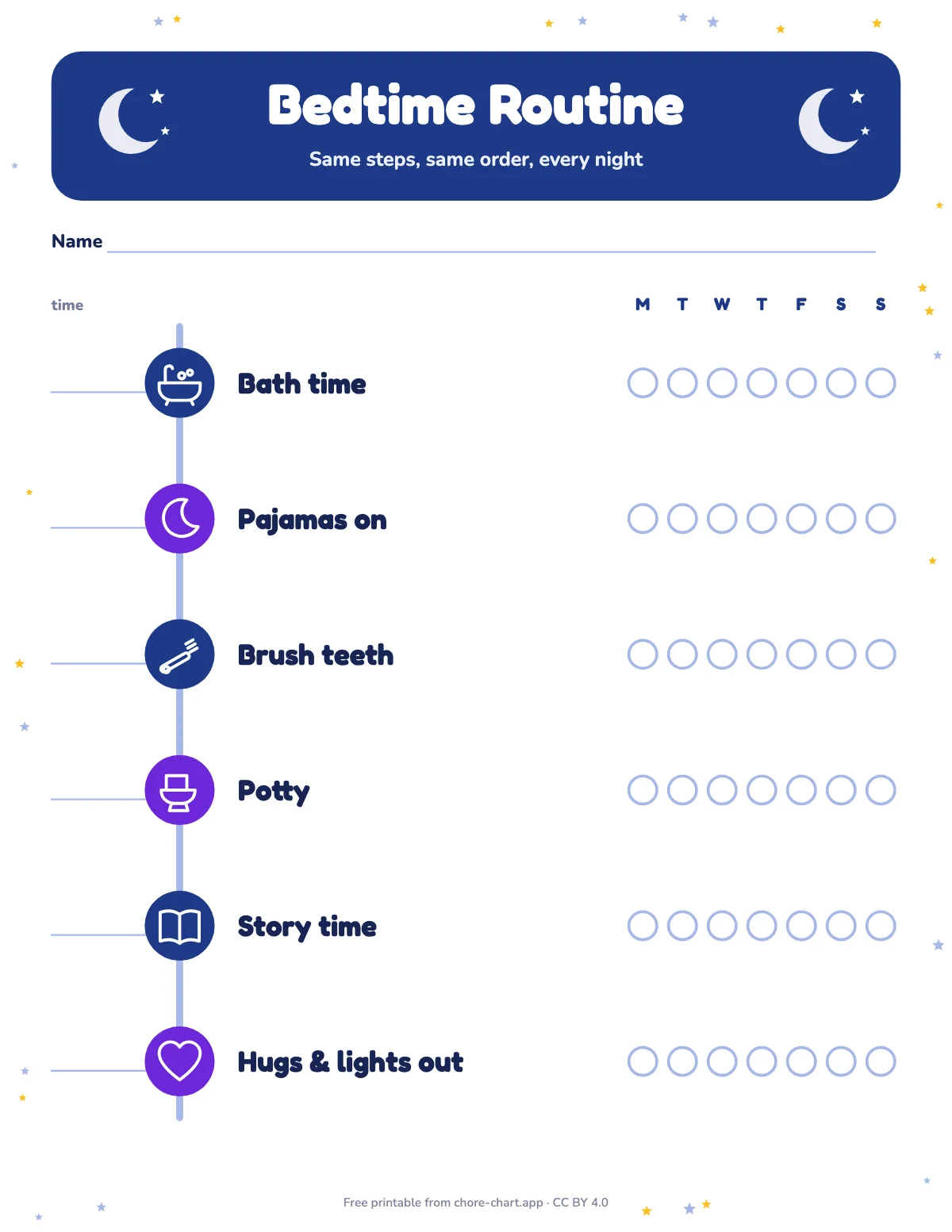
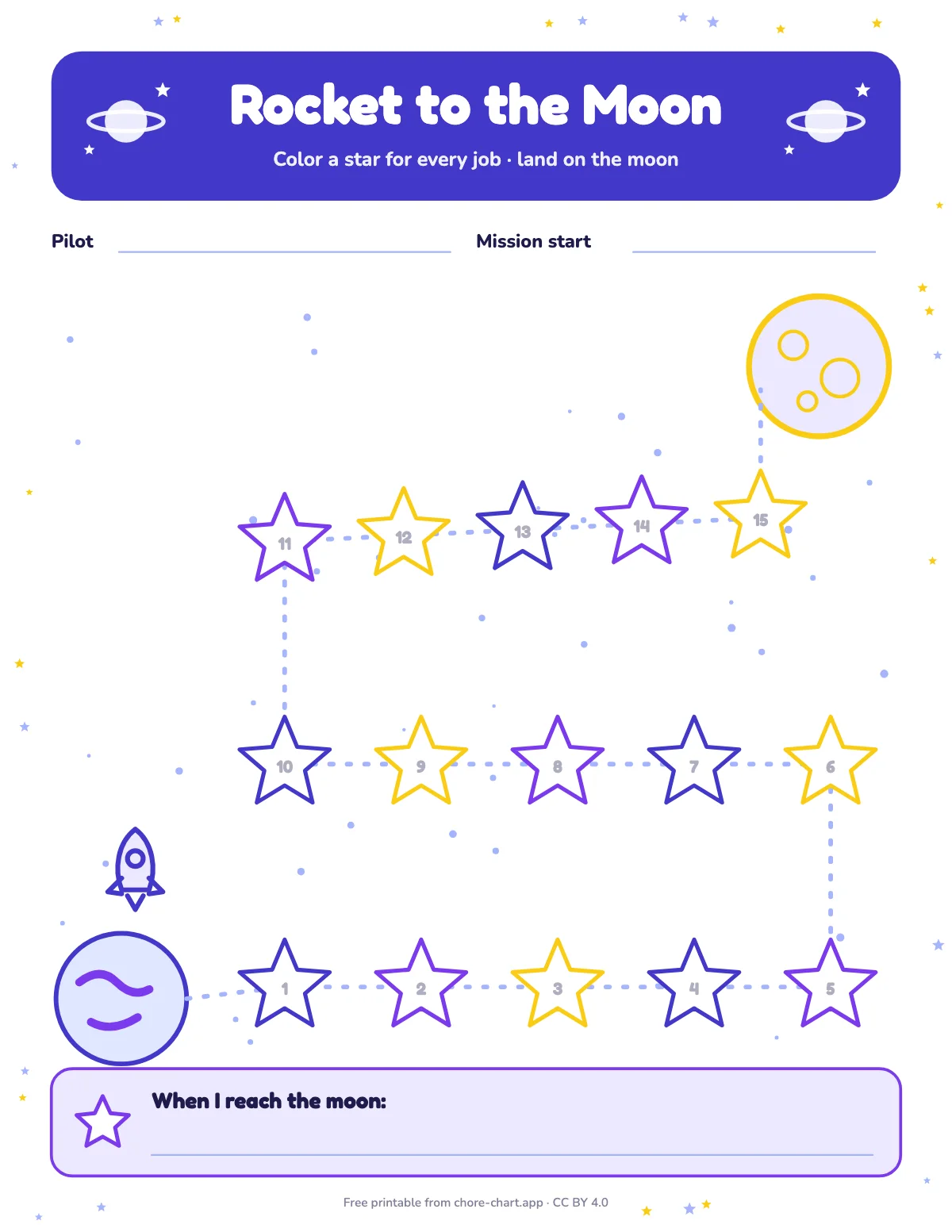
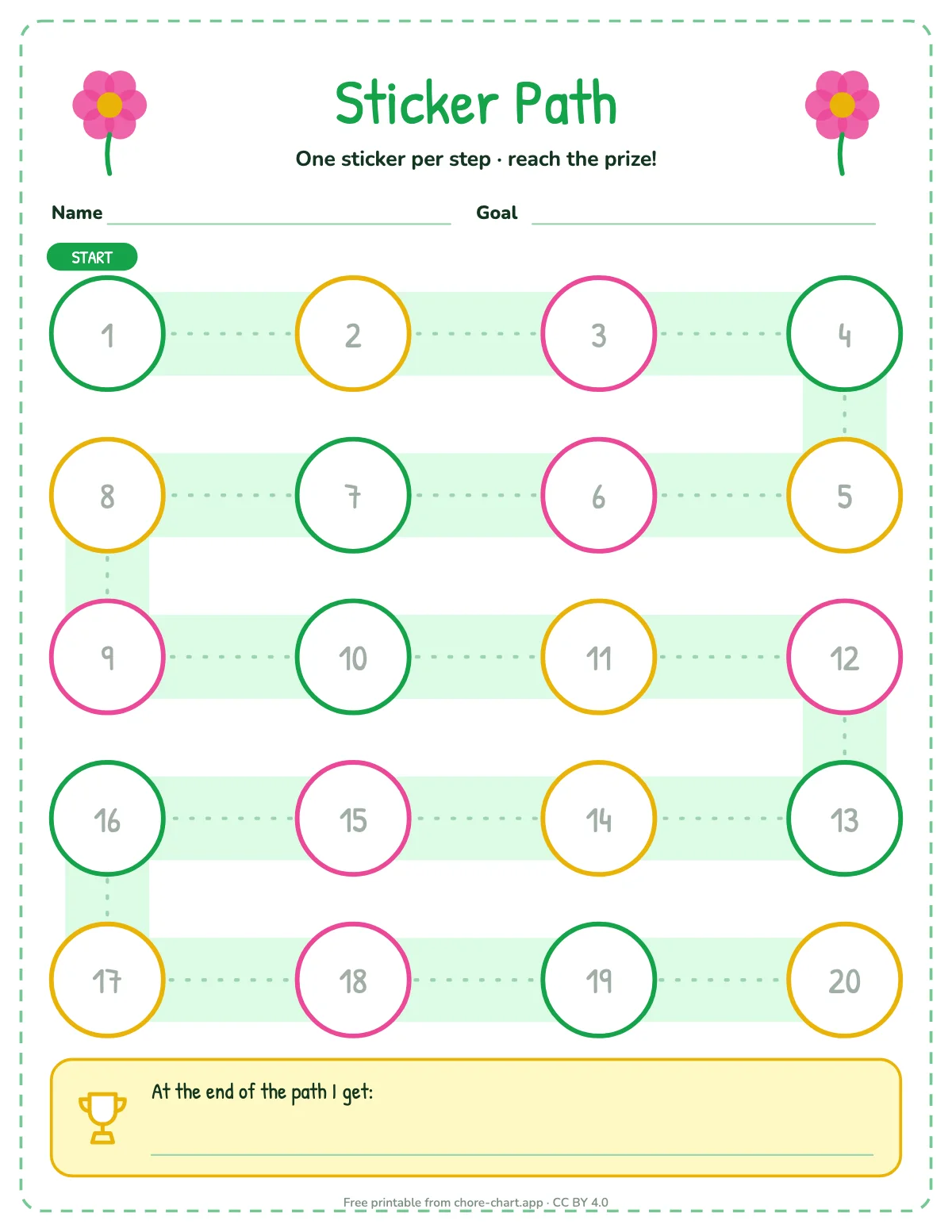
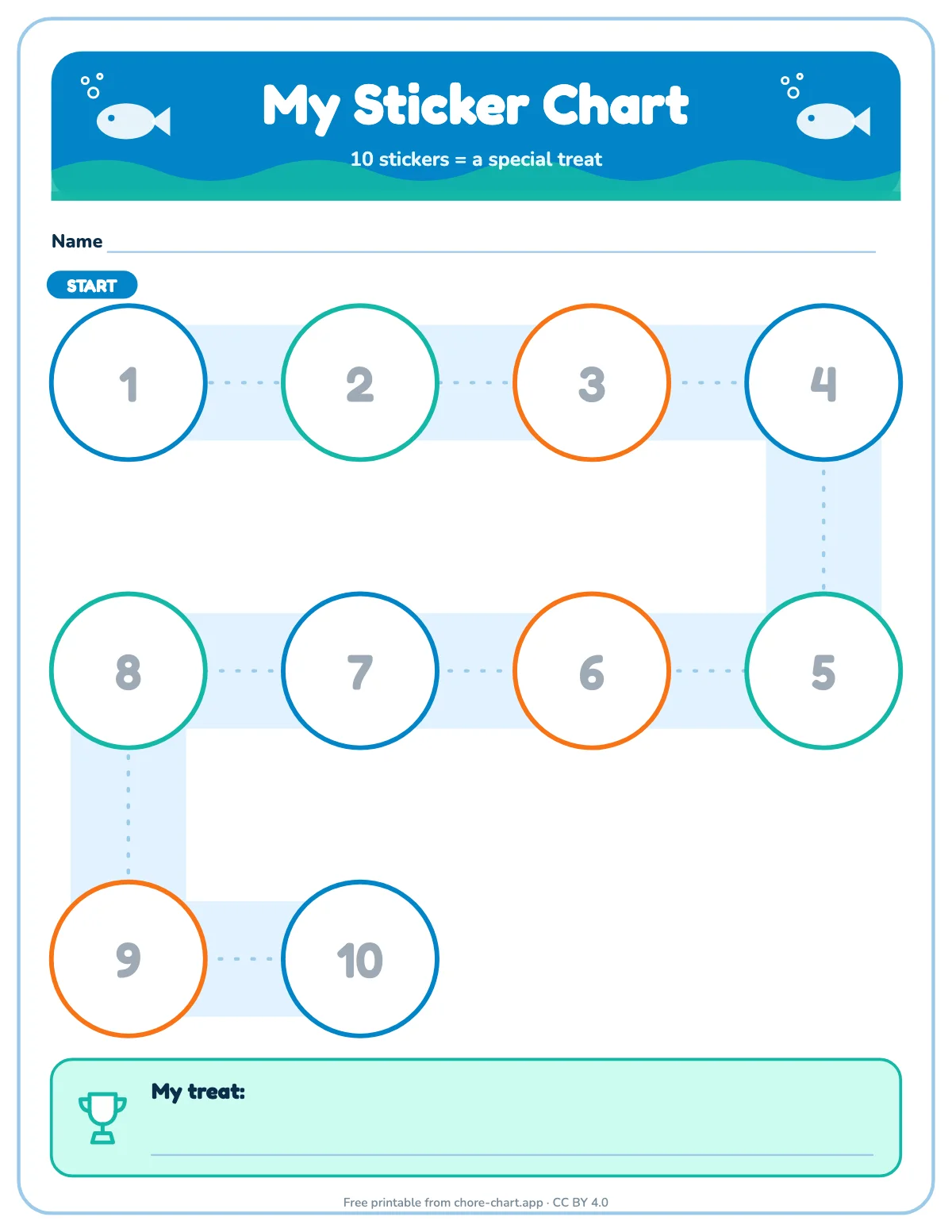
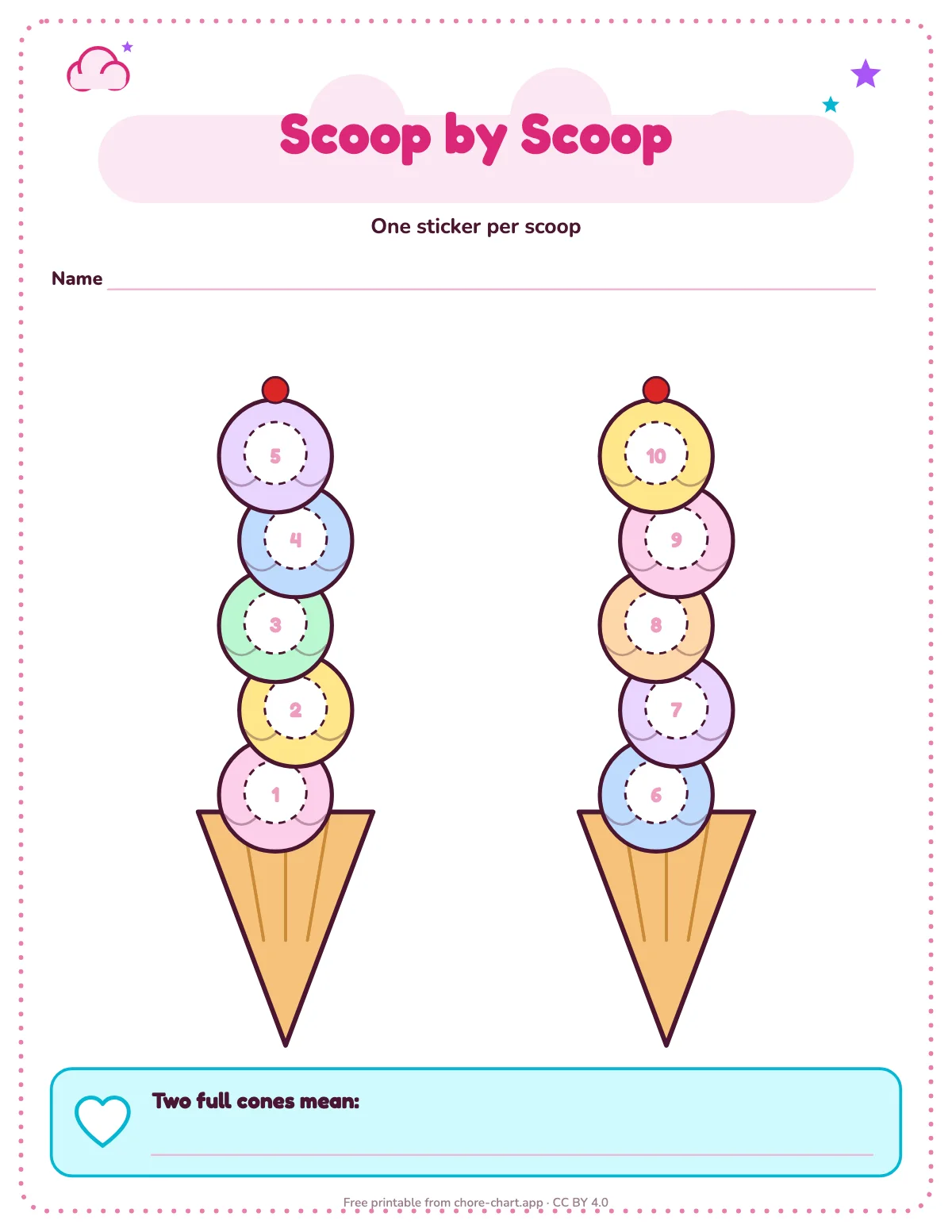
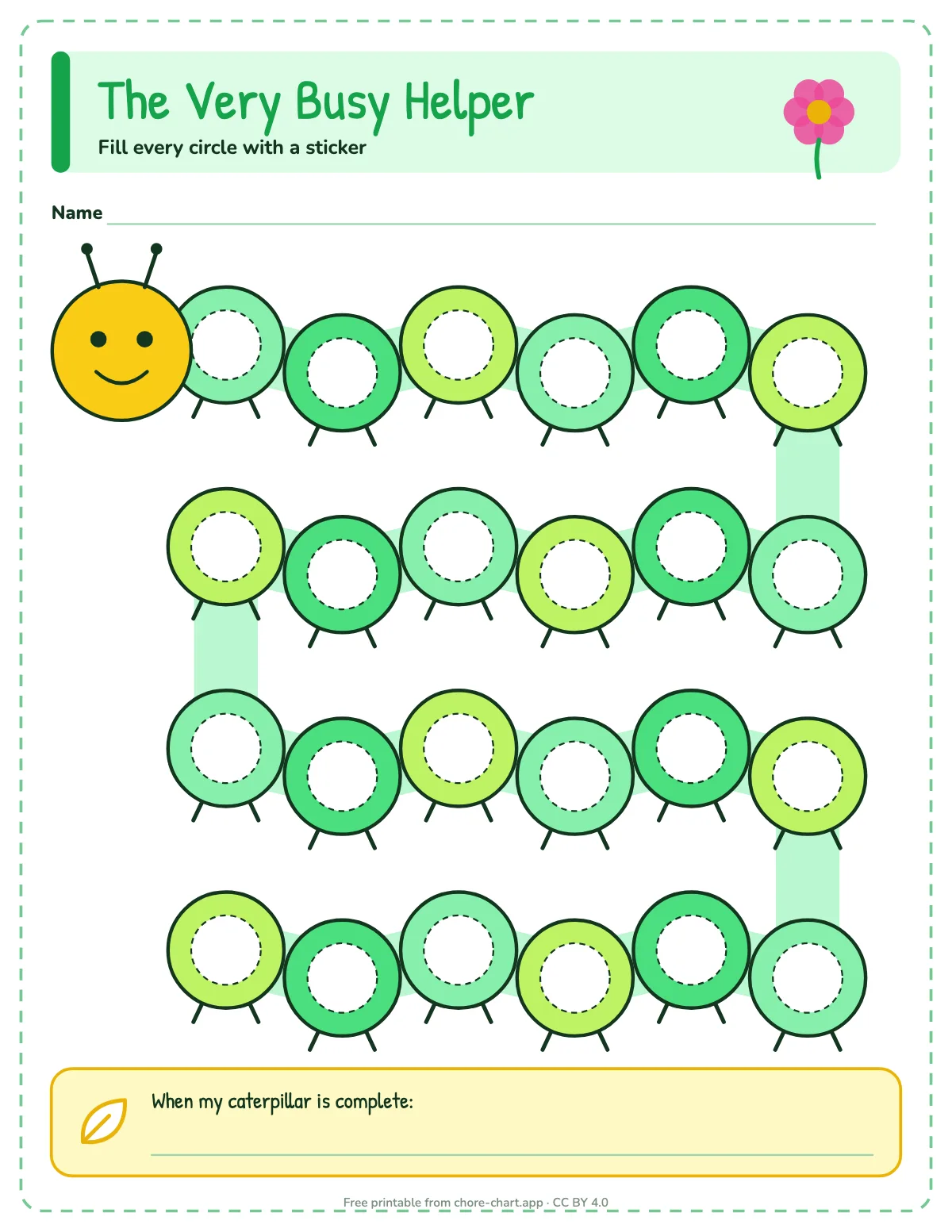
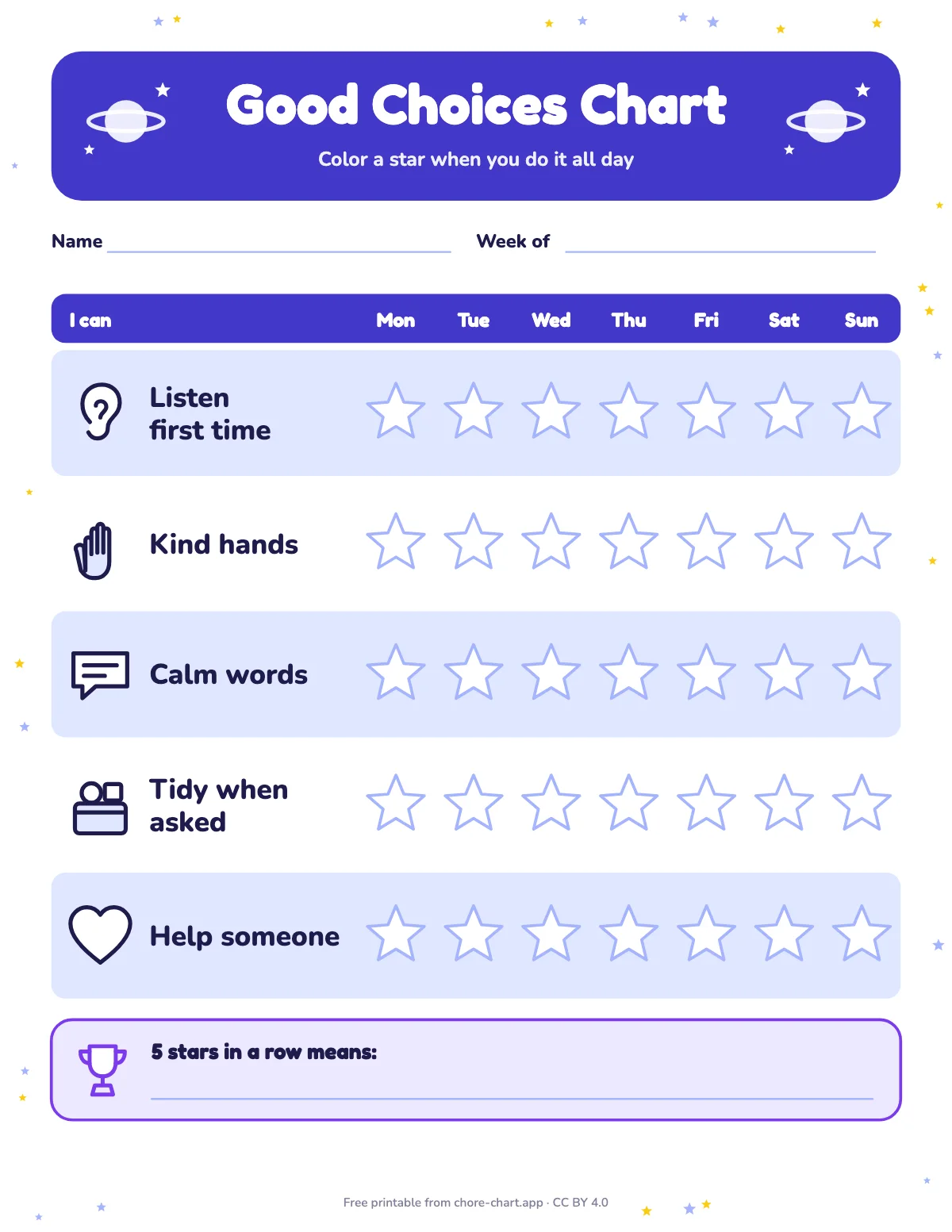
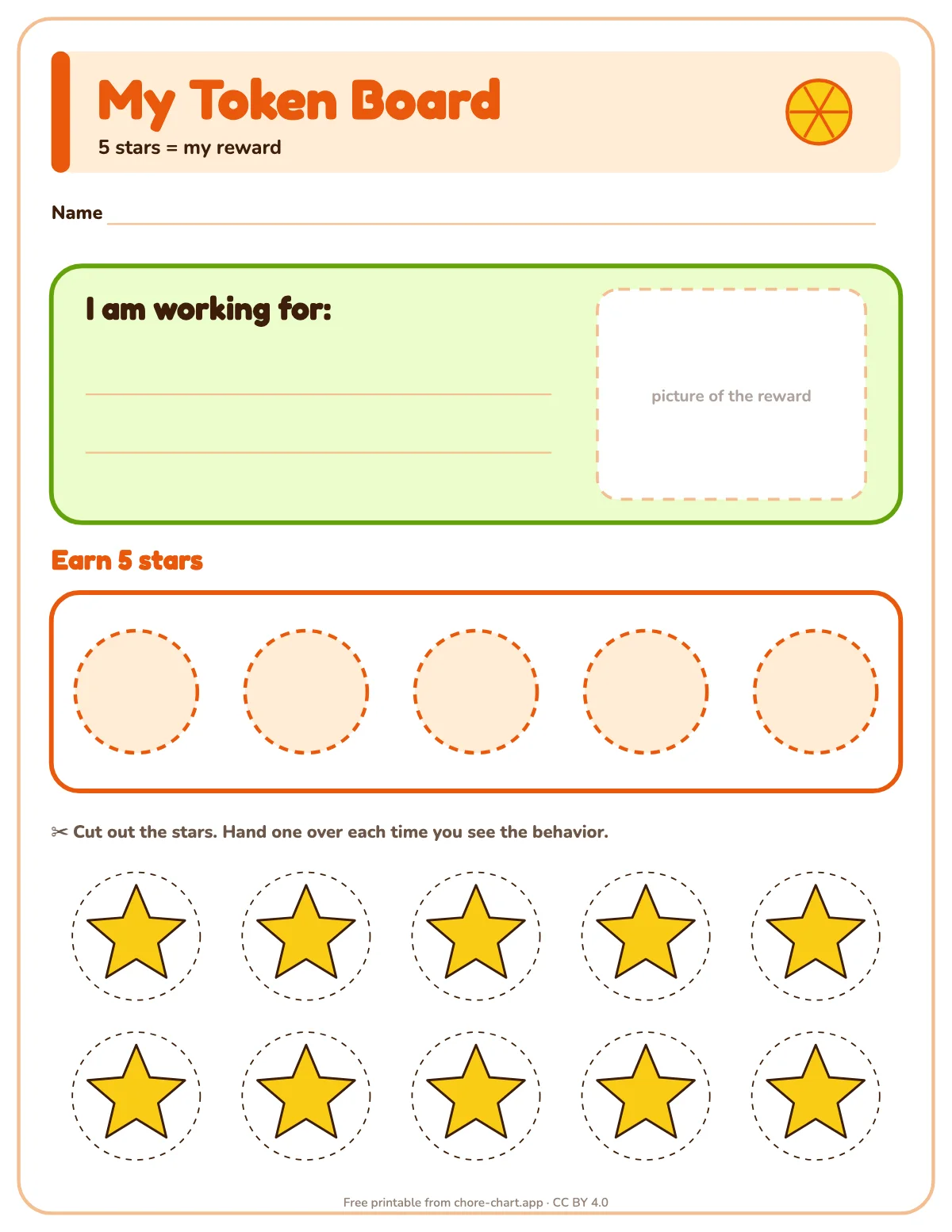
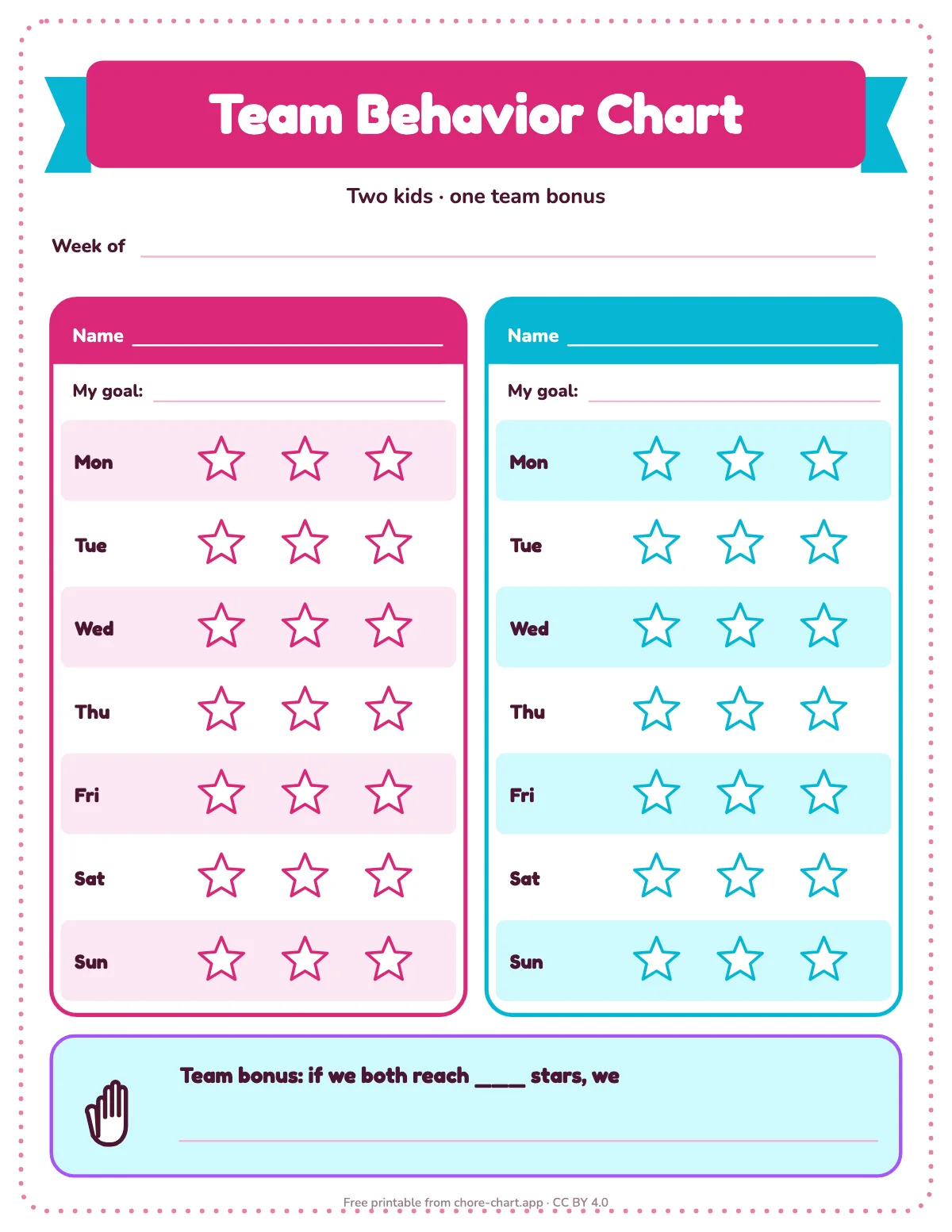
| 5–7 | Picture plus two or three words, one check per job per day, a weekly reward | weekly chart 5–7, sticker path |
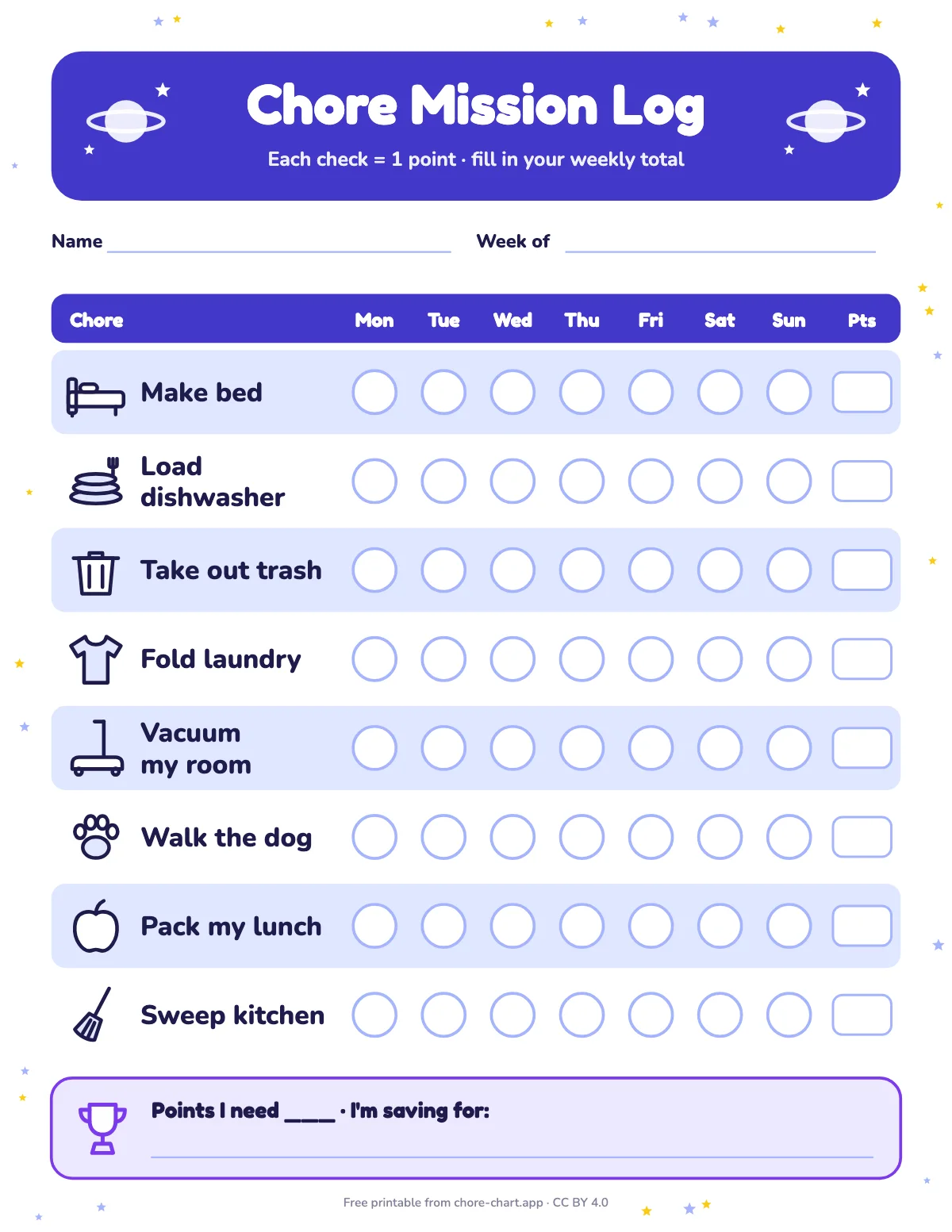
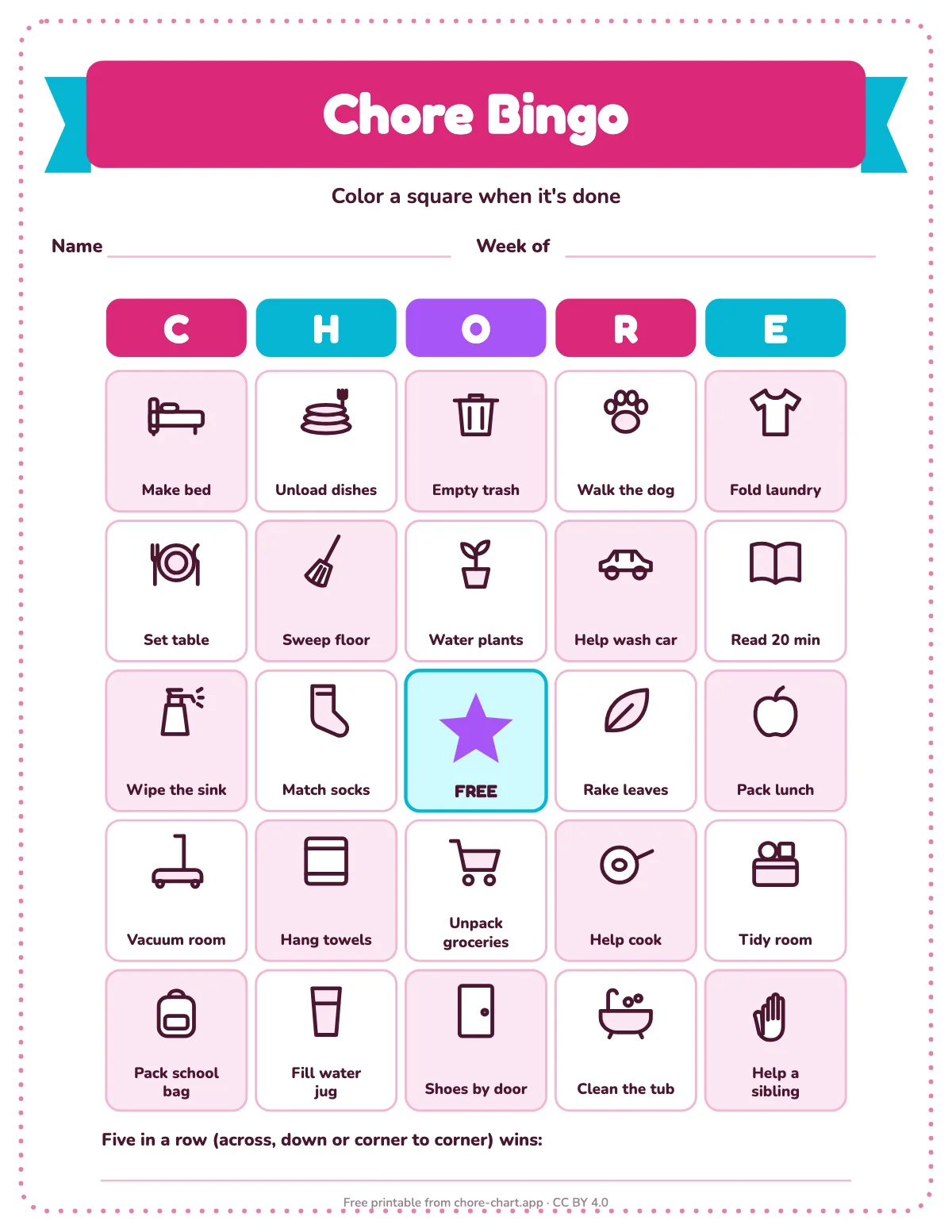
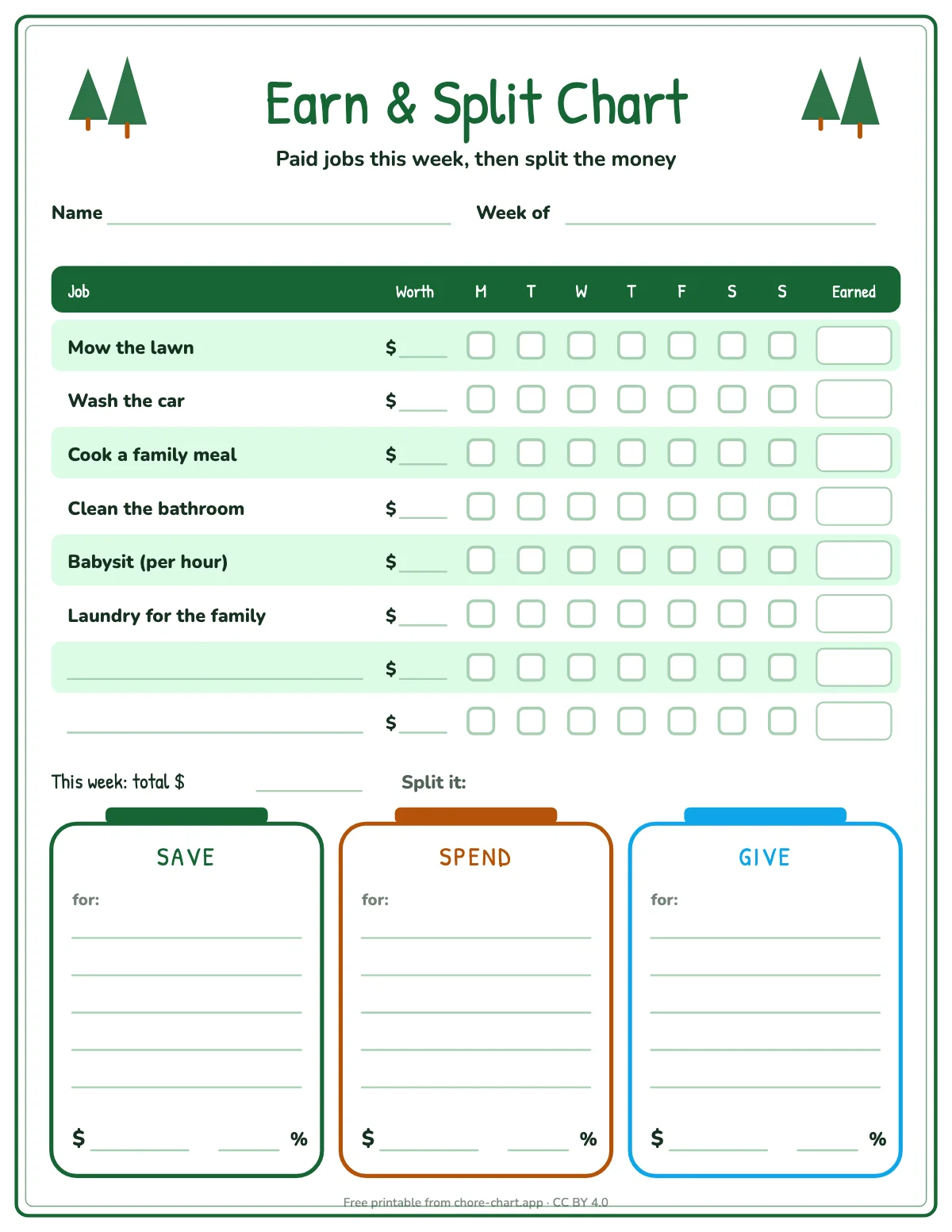
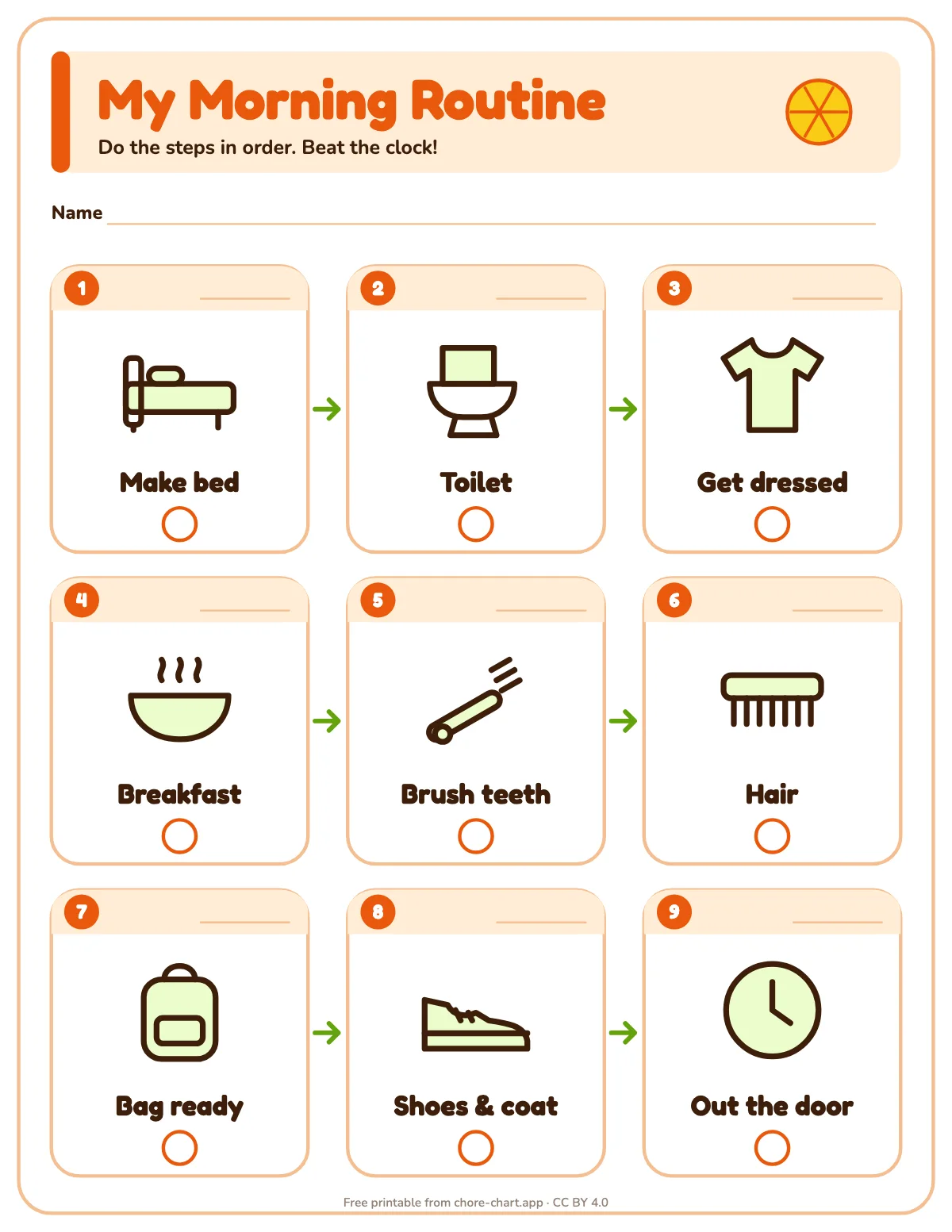
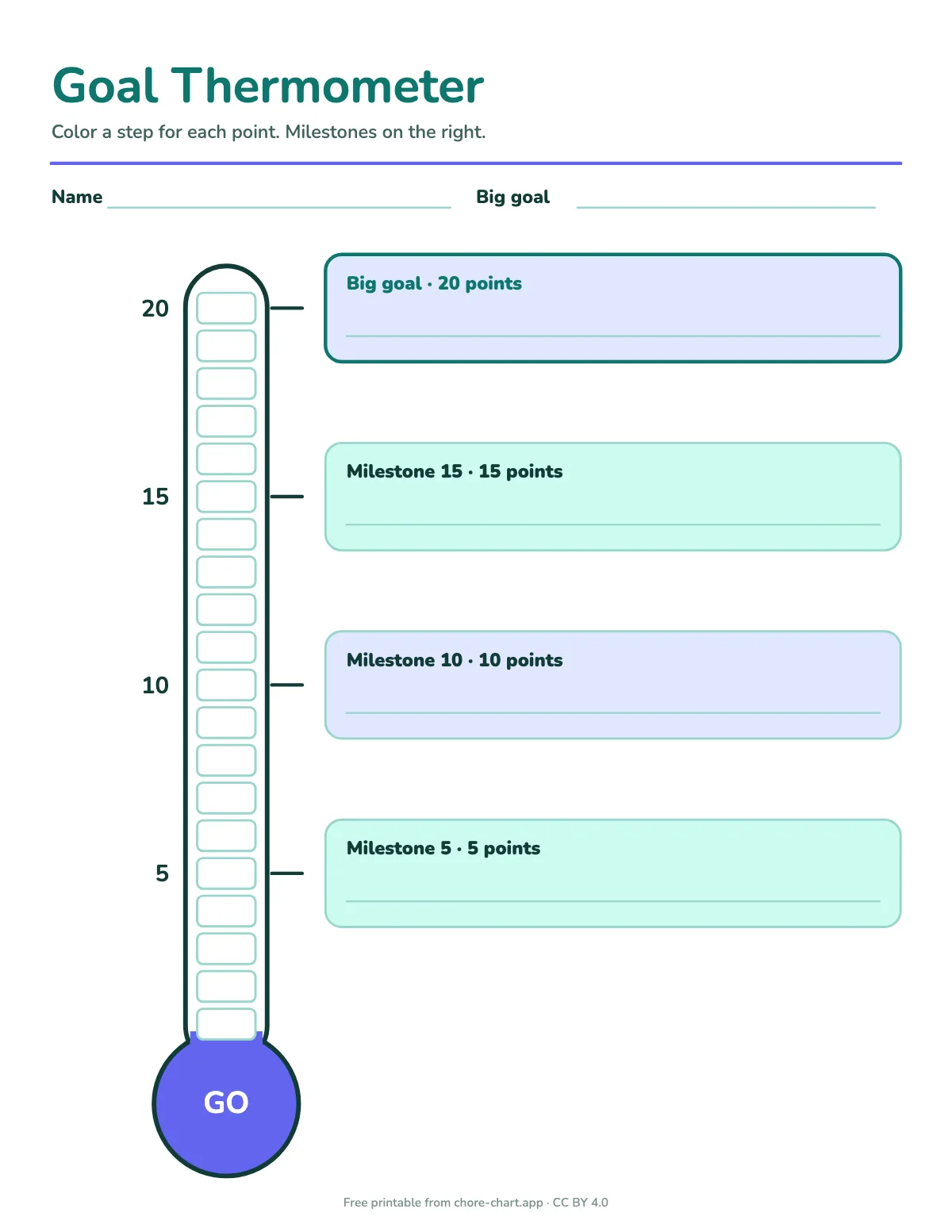
| 8–10 | Real household jobs, points instead of stickers, a reward they choose | chart with points, chore bingo |
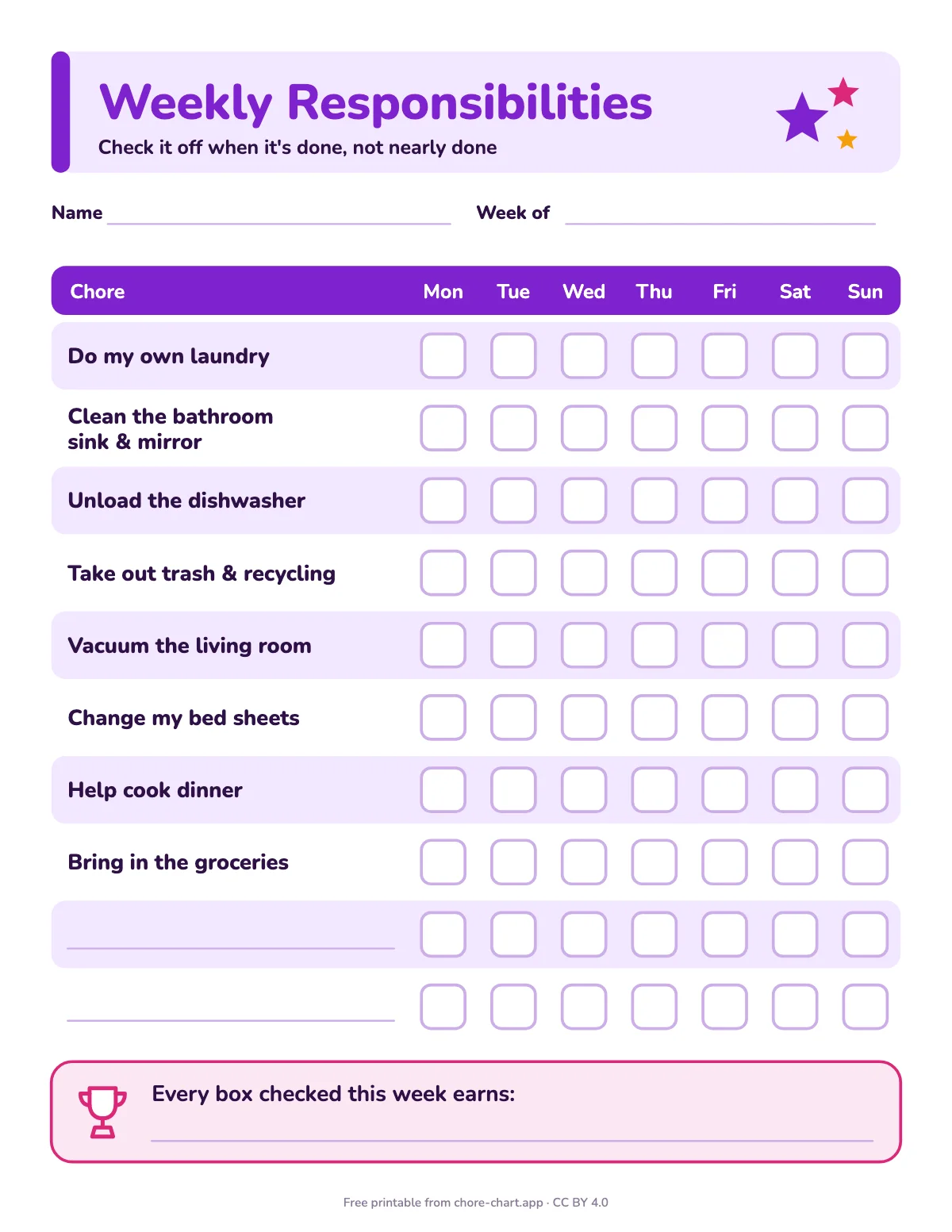
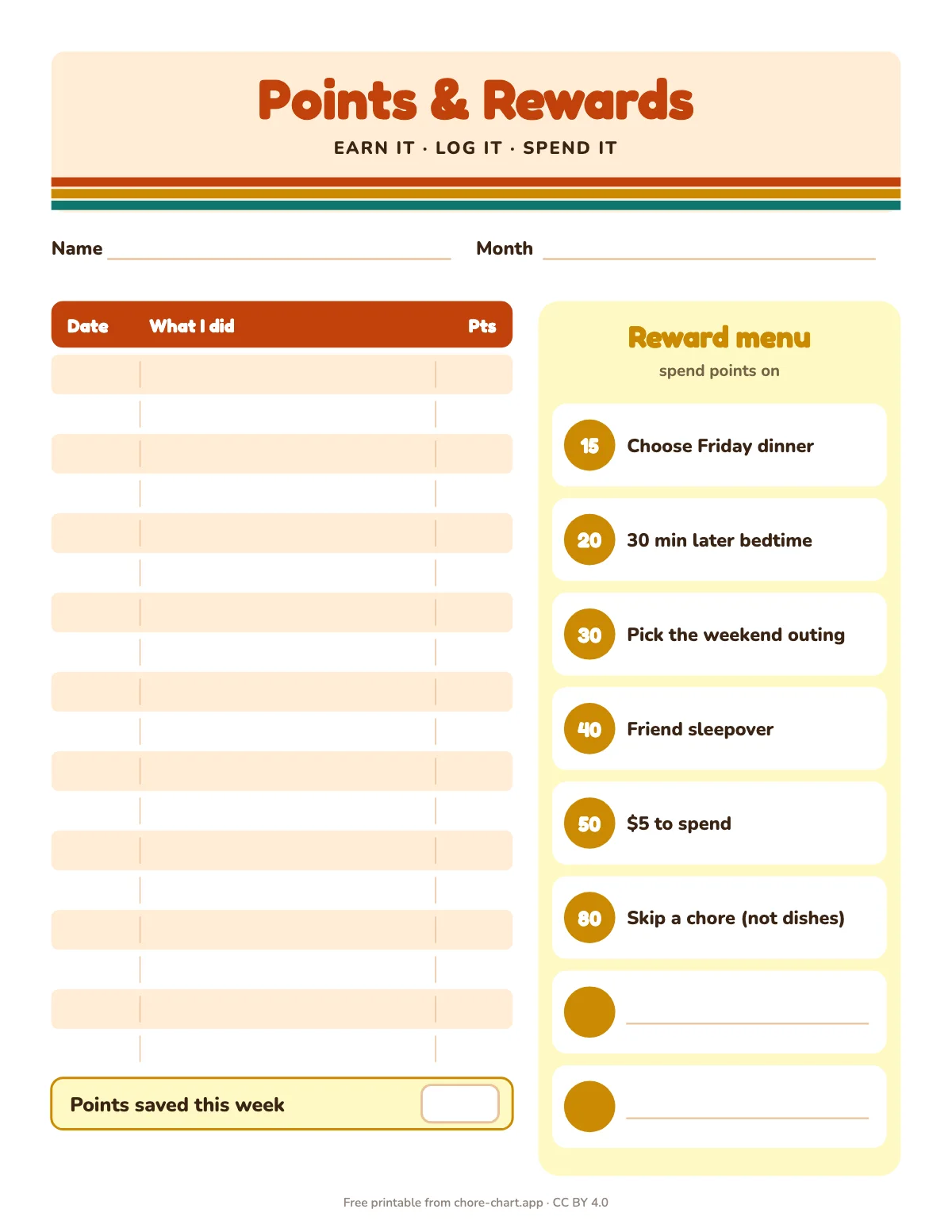
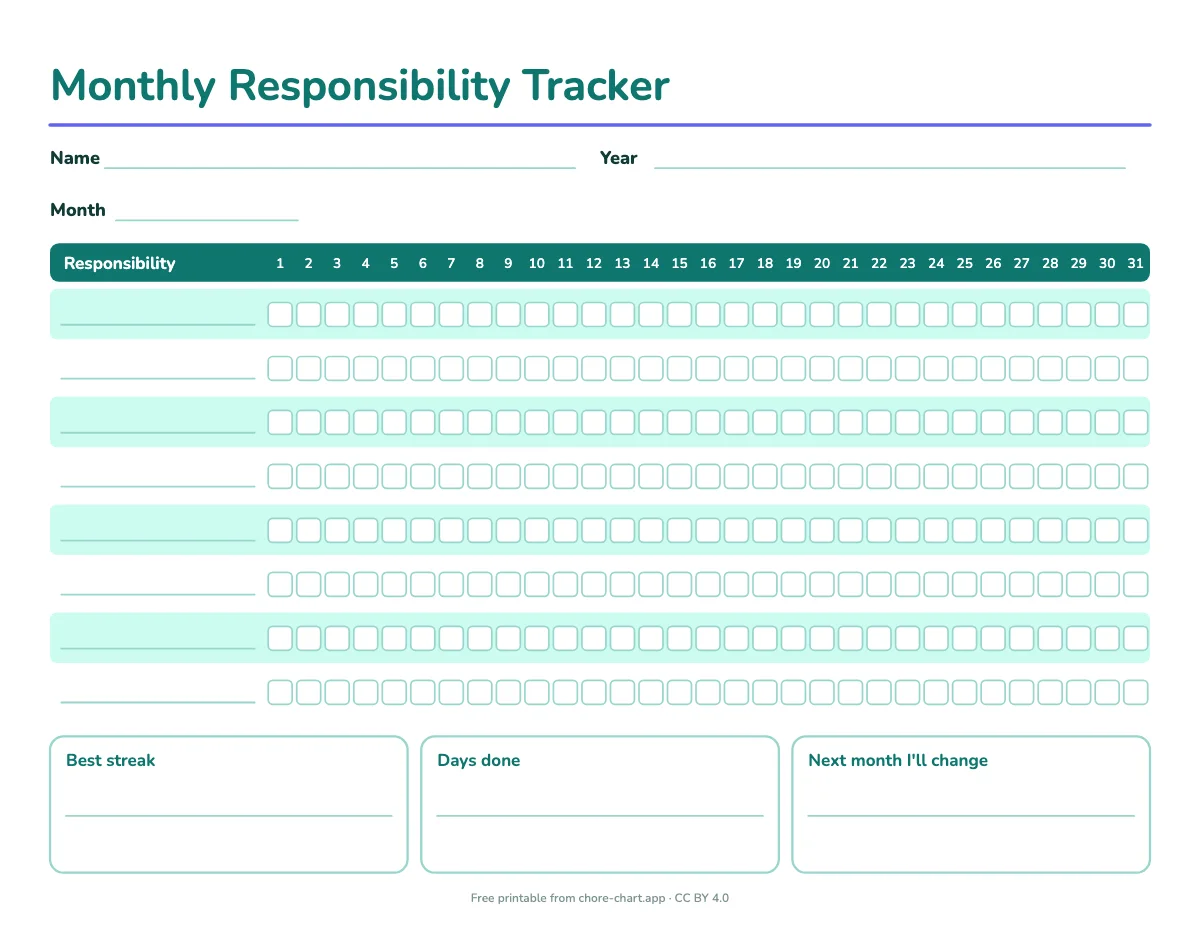
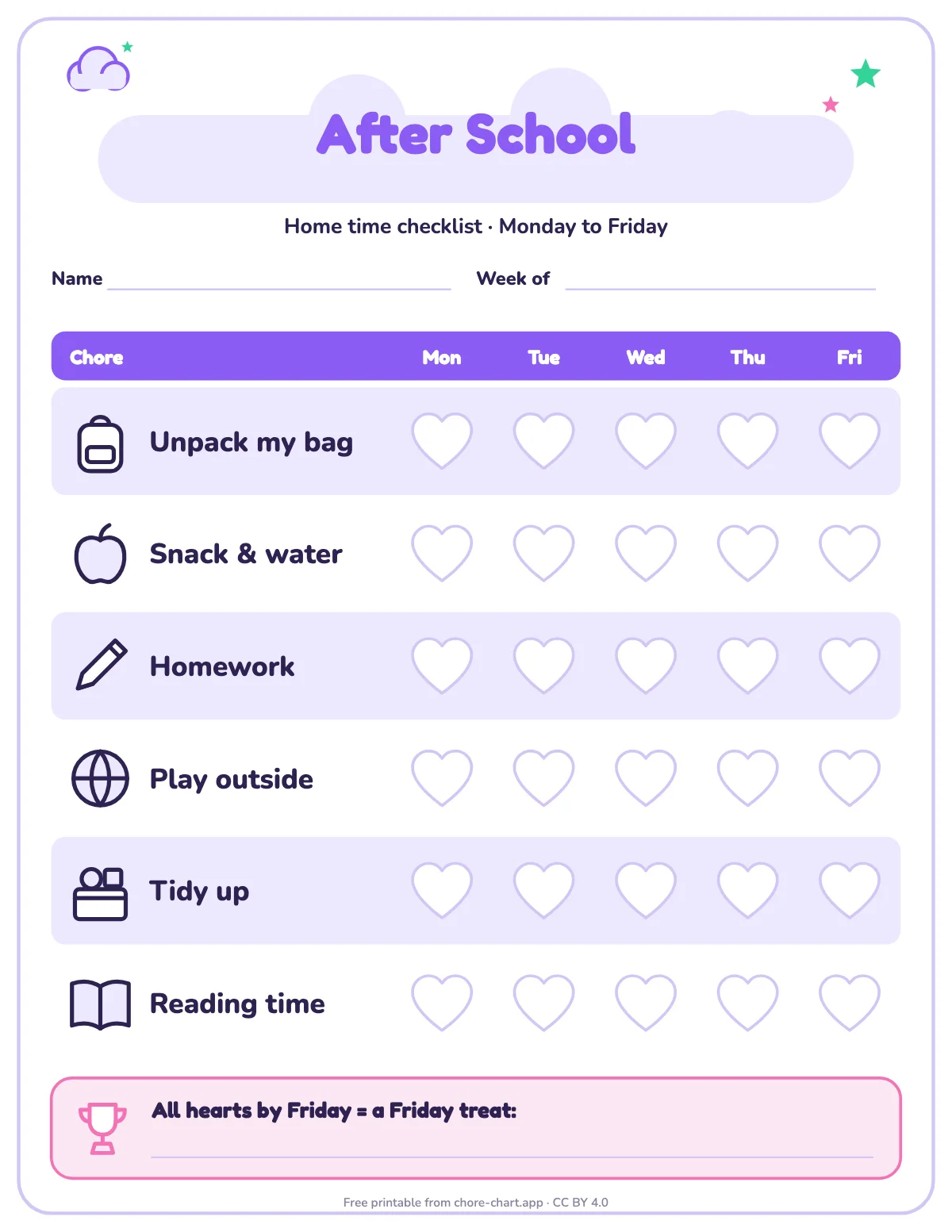
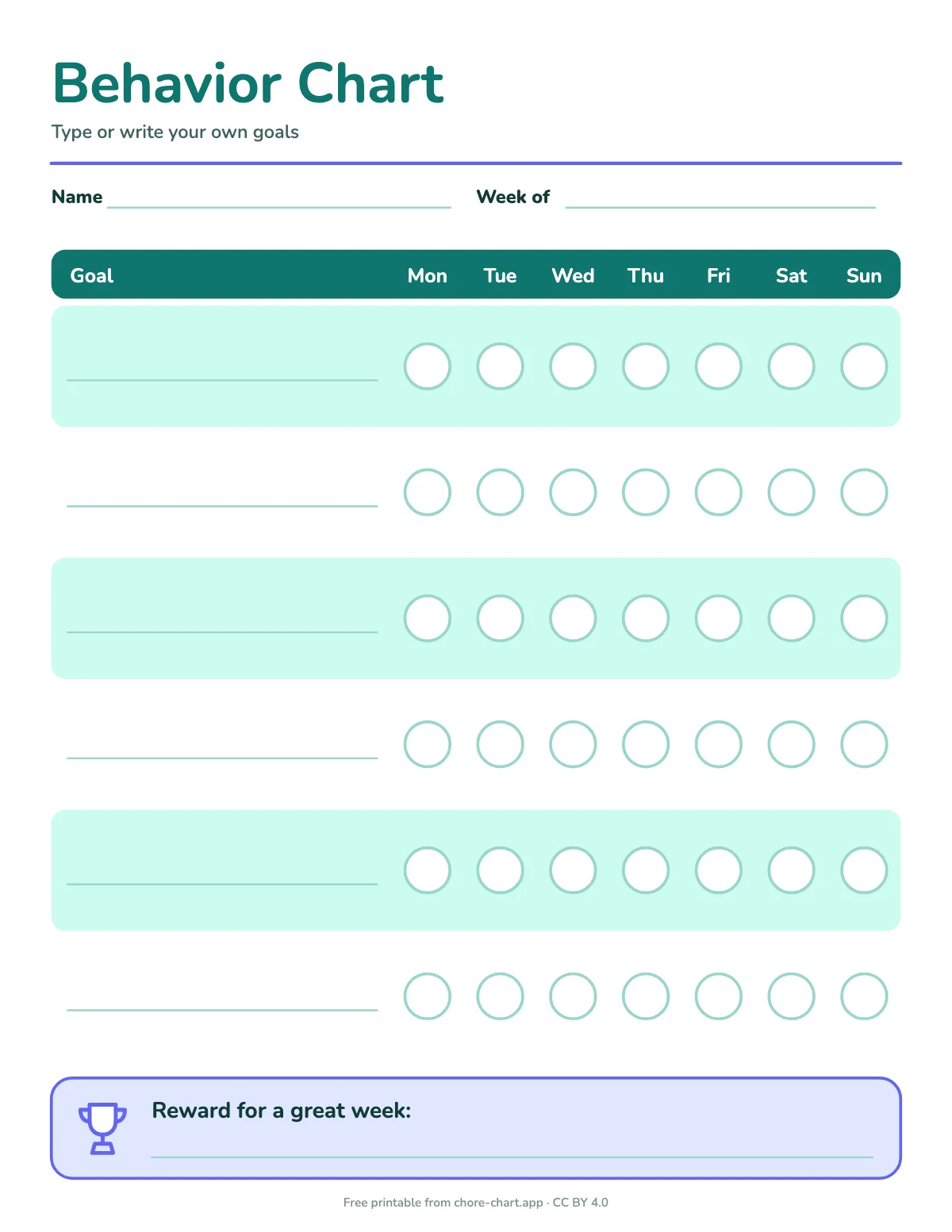
| 11–13 | Fewer, bigger jobs; they write some rows themselves | tween weekly chart, points and reward menu |
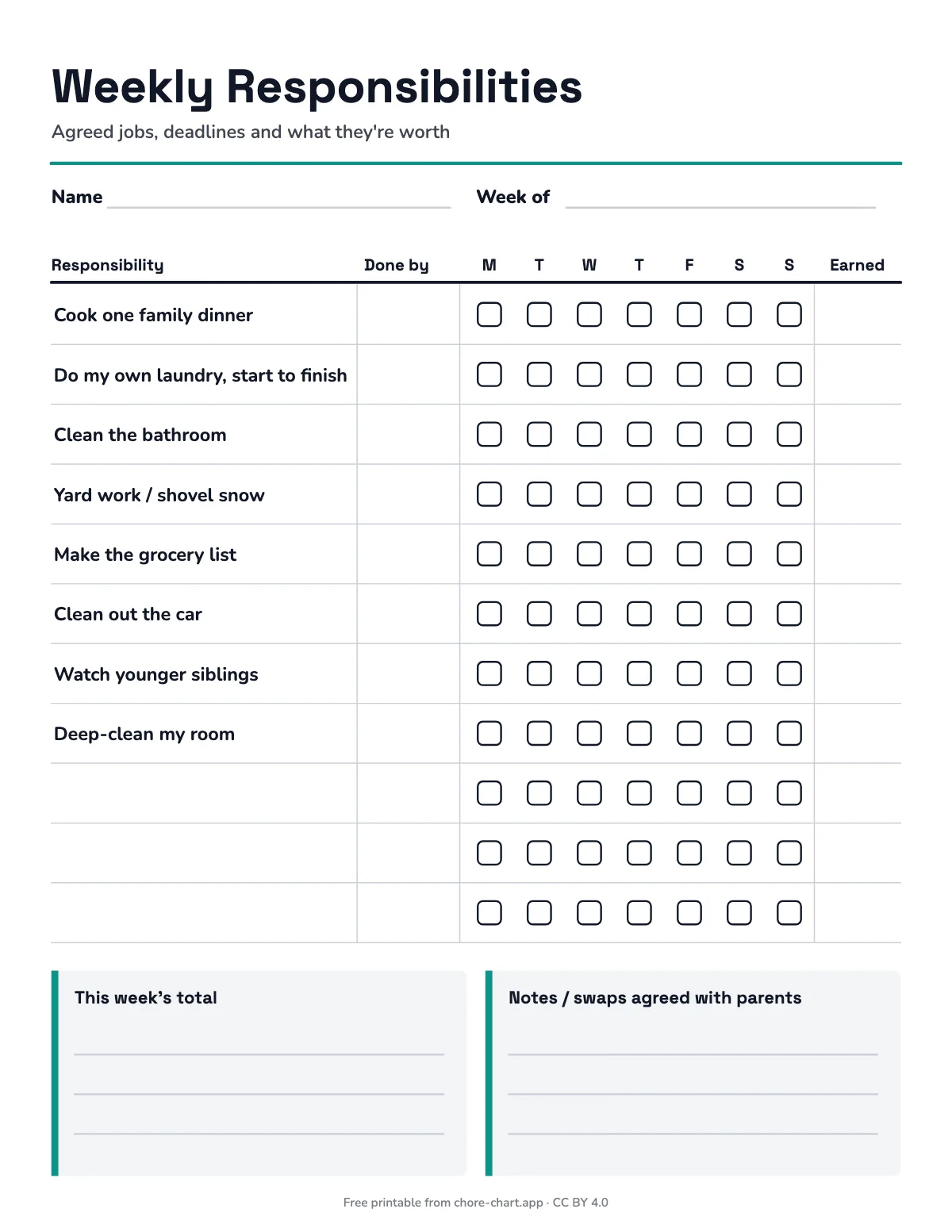
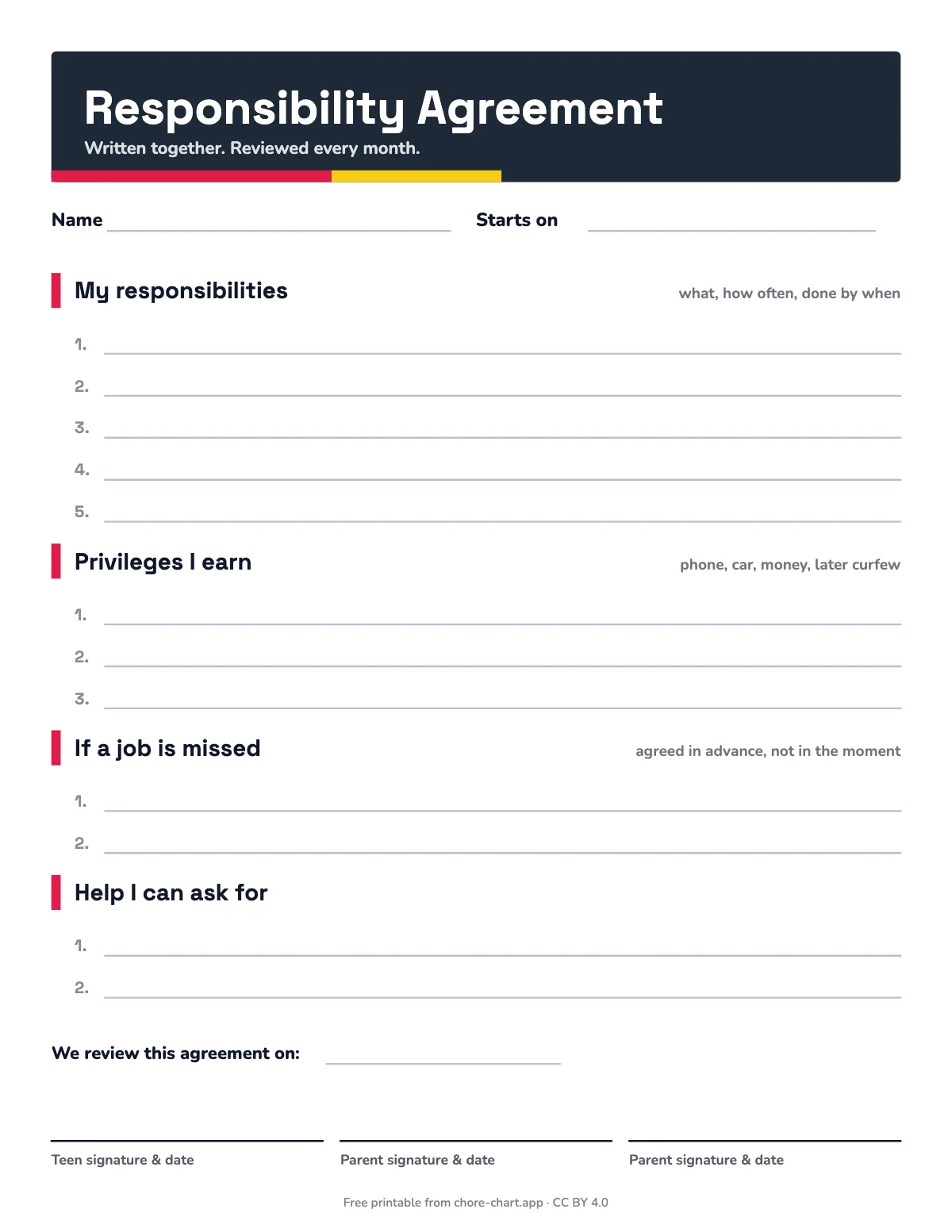
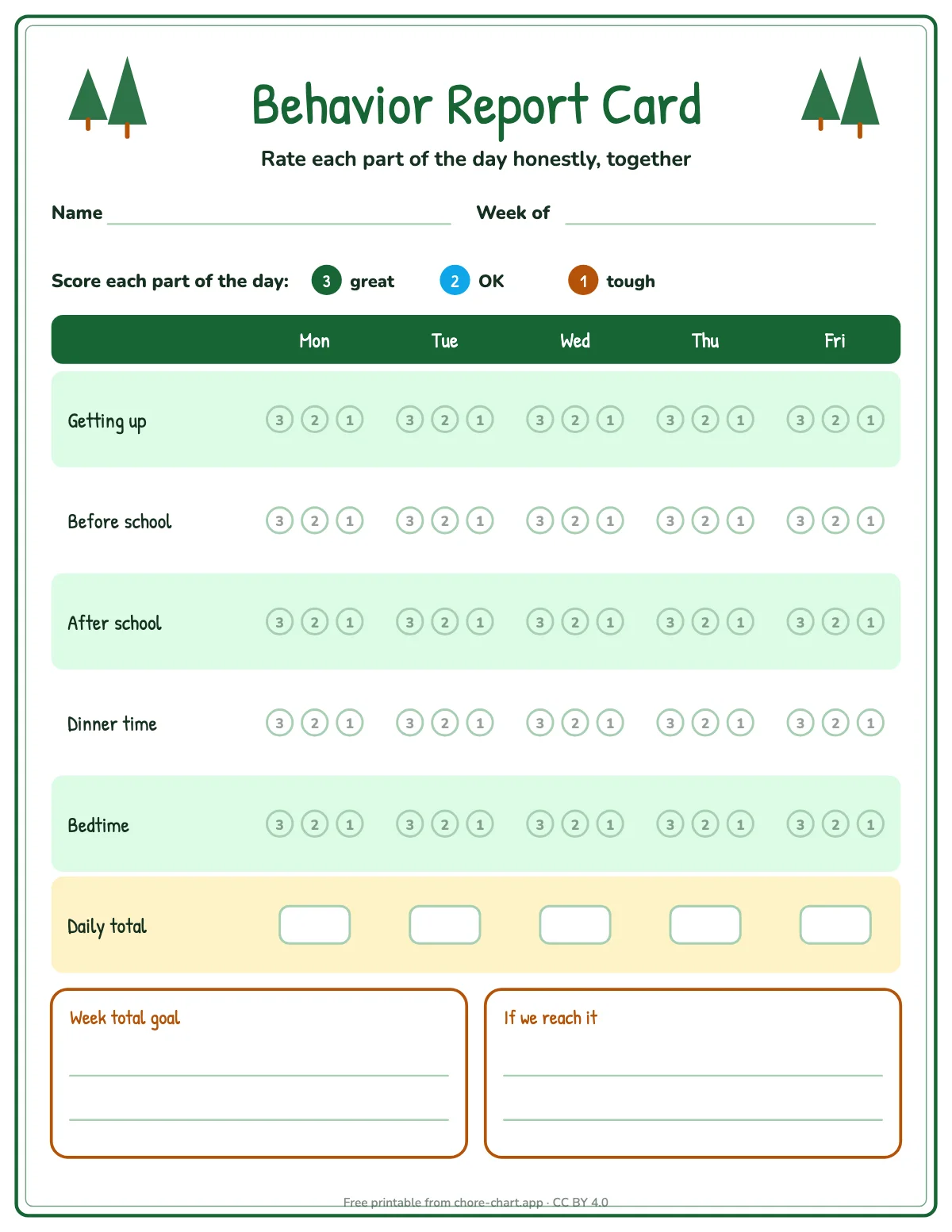
| Teens | Deadlines, a written agreement, sometimes money | teen planner, chore agreement |
More detail for each age is on chore charts by age.
How to print them so they look right
- Letter or A4. Pick Letter in the US and Canada, A4 almost everywhere else. Each size is drawn for that paper, so nothing is cut off or squashed.
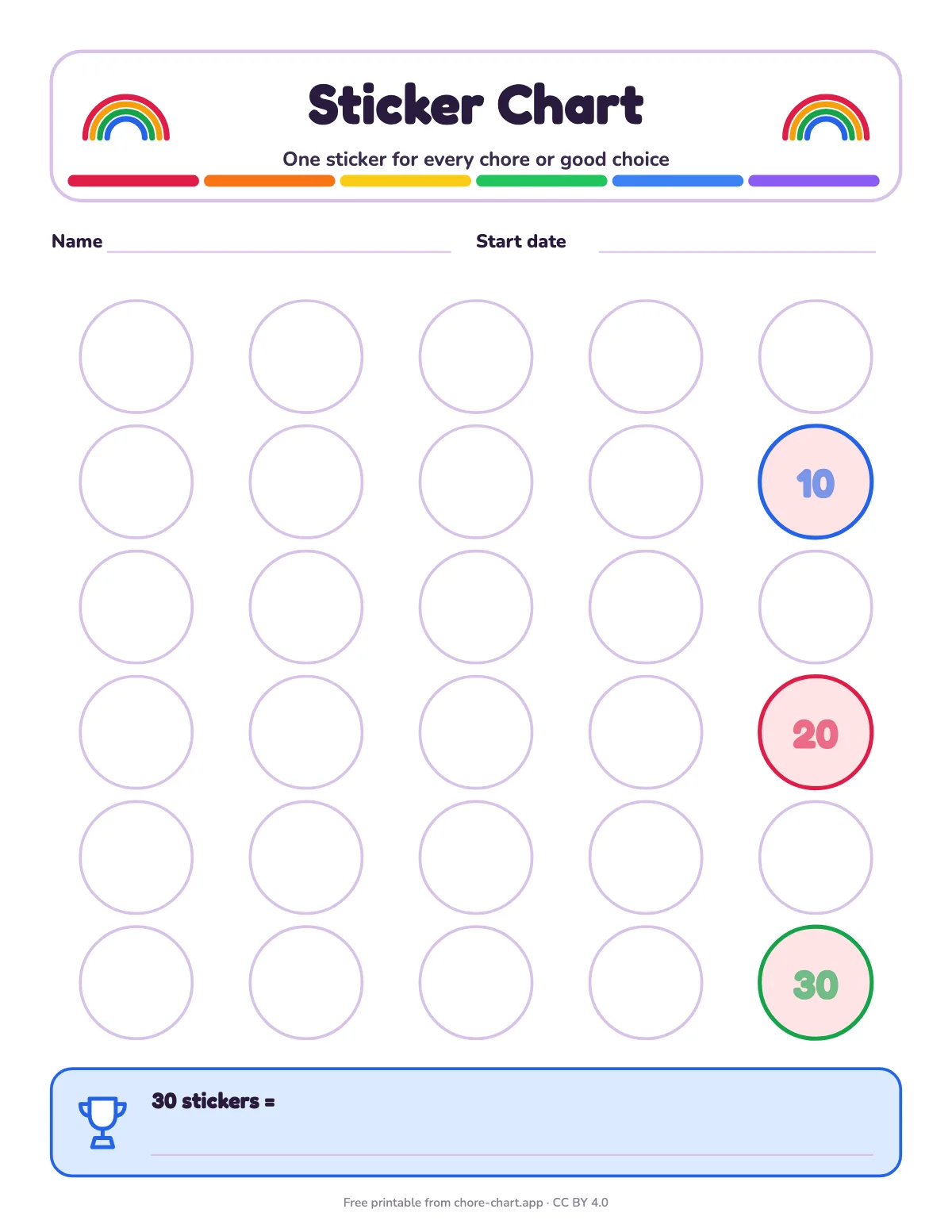
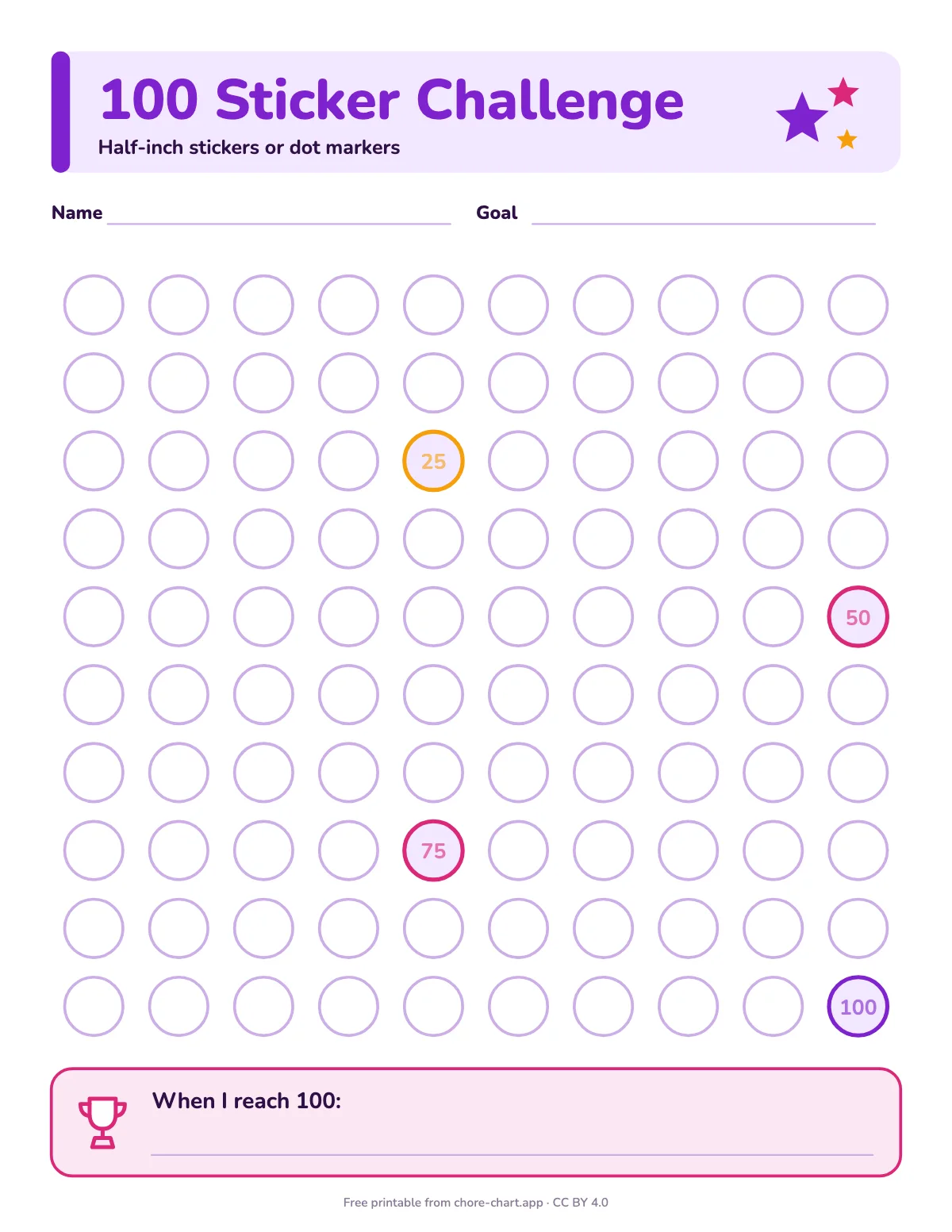
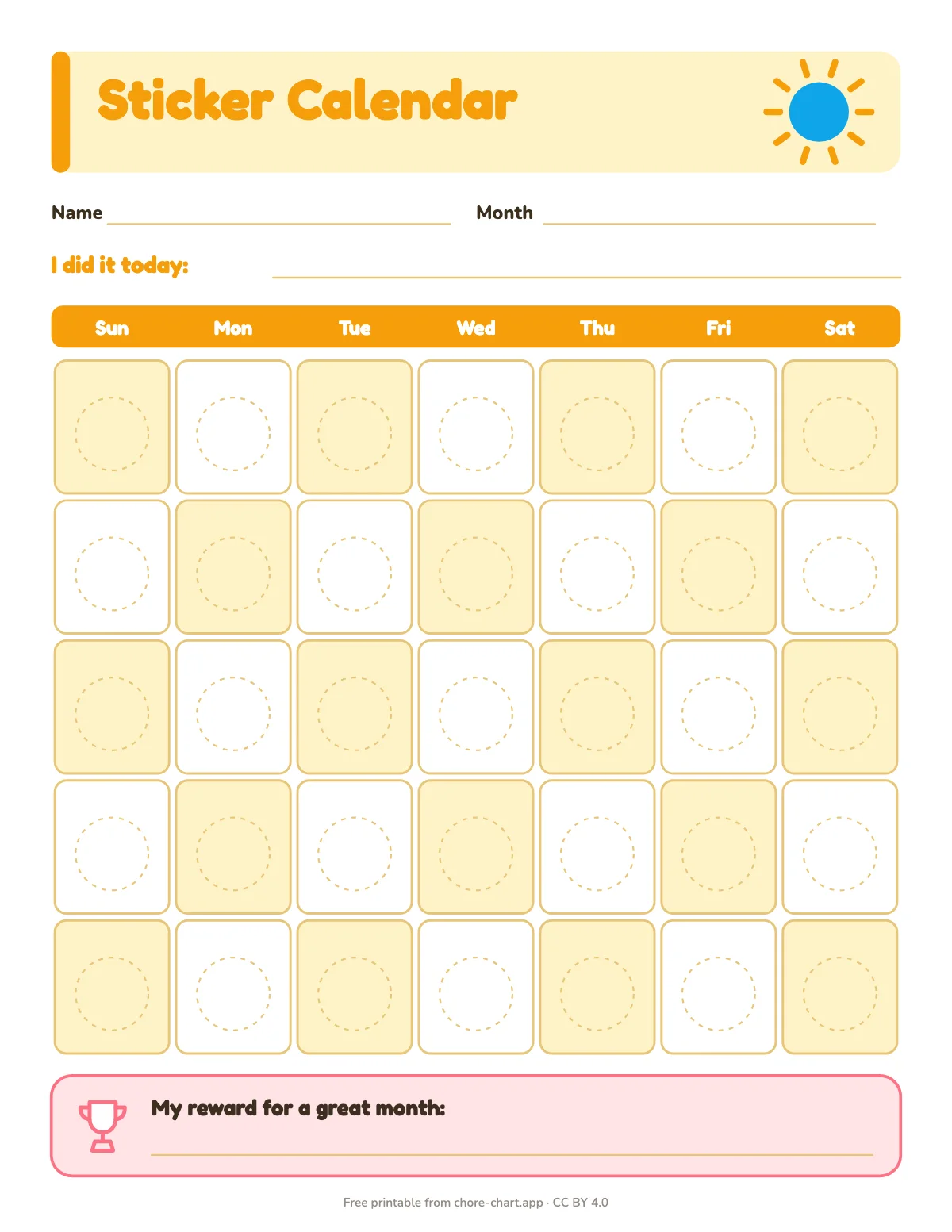
- Print at 100% ("Actual size"). It matters for sticker charts: spots are measured for real stickers (1-inch, ¾-inch and ½-inch). "Fit to page" shrinks them a little.
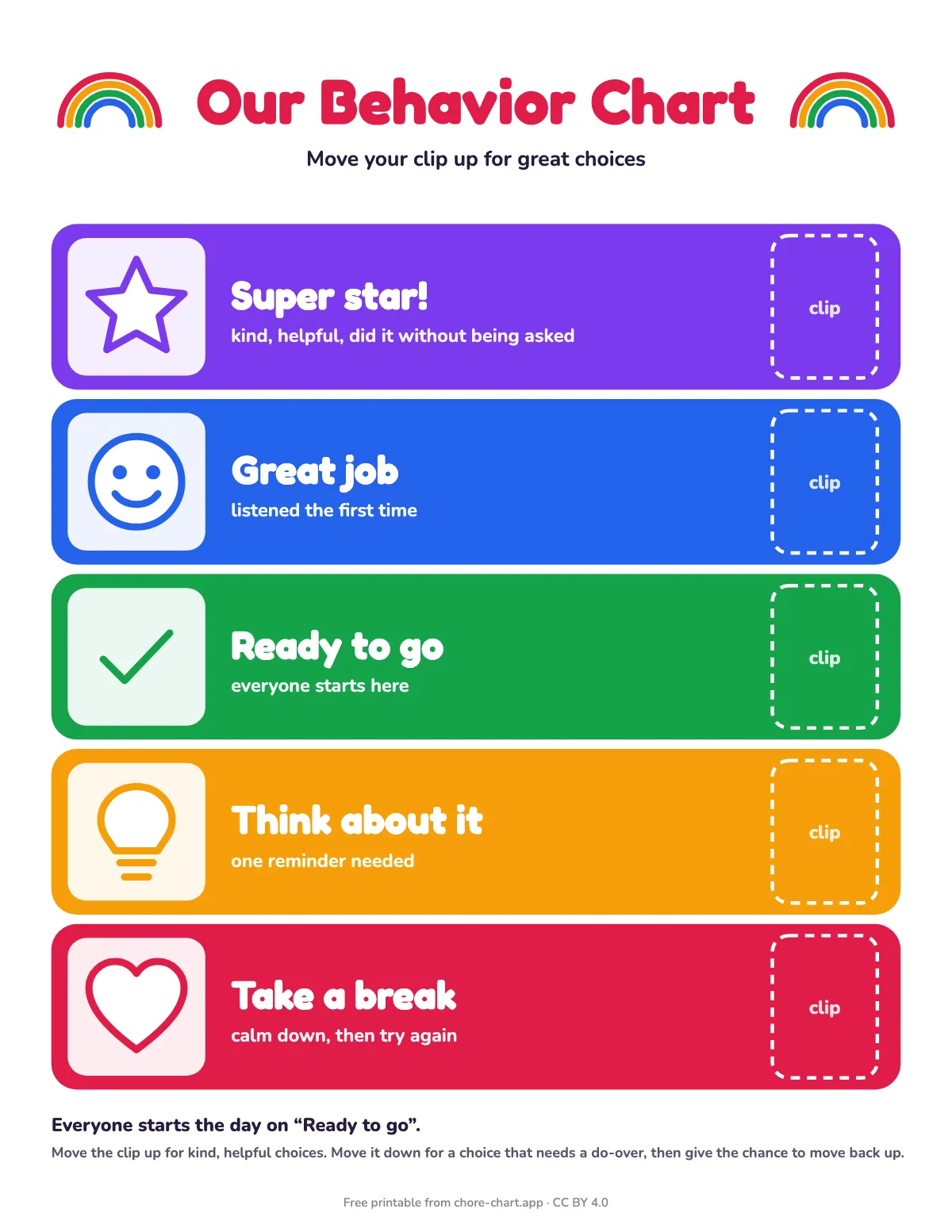
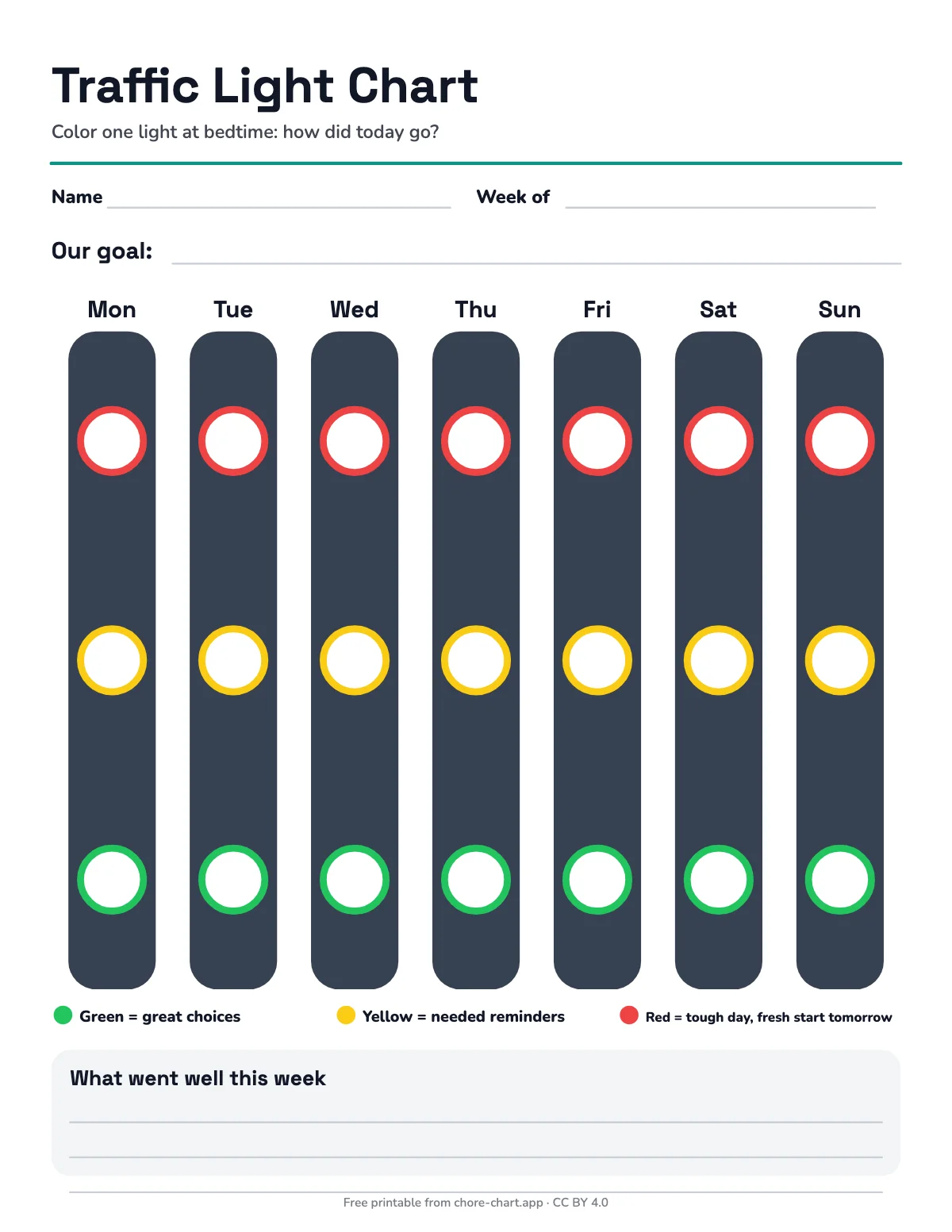
- Easy on ink. Backgrounds are white and color sits in headers and borders. Most charts read fine in black and white; the traffic-light and clip charts need color.
- Make it last. Print on cardstock, or slip the page into a sheet protector and use a dry-erase marker. Then one print lasts for months.
- Hang it low. Put the chart at your child's eye level, near where the job happens: bedroom door, bathroom, fridge.
Editable, fillable PDFs: type before you print
11 charts are full fillable forms, marked Fillable. Most other charts have a typeable name line. Download the PDF and open it in Adobe Acrobat Reader, macOS Preview or Chrome. Click a line, type, then print. Text shrinks to fit the box. Some phone and browser viewers don't save what you type, so download the file first and save a copy as your master.
Setting up the first week
- Choose 3 to 5 jobs your child can already do with a little help. New skills come later.
- Show each job once, together, and agree what "done" looks like ("toys in the box, not under the bed").
- Agree on the reward before you start and write it on the chart.
- Check off the chart together at the same time every day, for example after dinner.
- On Sunday, look at it together: keep what worked, swap one job, print a fresh copy.
Free to use, share and change (CC BY 4.0)
All 47 charts are released under the Creative Commons Attribution 4.0 license. You can print them, hand them out in a classroom or clinic, translate them, change them and share them, including commercially. The one condition is credit: name chore-chart.app and link the license. The small line at the bottom of every chart already does that, so a printed copy is always correctly credited.
Questions
Are these chore charts really free?
Yes. No account, no email, no trial. The PDF link is the file itself.
Letter or A4: which should I download?
US Letter (8.5 × 11 in) for the US, Canada and Mexico; A4 (210 × 297 mm) for most other countries. If you print the wrong one, your printer will usually scale it, but sticker spots will no longer match sticker sizes exactly.
Can I change the chores on a chart?
On the 11 fillable charts you can type into every row. On picture charts the chores are part of the design, so use a blank or fillable chart for custom jobs, or write over a row by hand.
Can I use them in my classroom, practice or blog?
Yes. The CC BY 4.0 license allows any use, including commercial, as long as you credit chore-chart.app.
How many chores should one chart have?
Ages 2–4: three to six tiny jobs. Ages 5–7: five to seven. From about 8: six to eight. If finishing the chart takes most of the evening, it has too many jobs.